

Edit September 29th, 2024: Ko-Fi supports can download the blend file.
It’s been a while since I’ve render, so I made this cause why not.
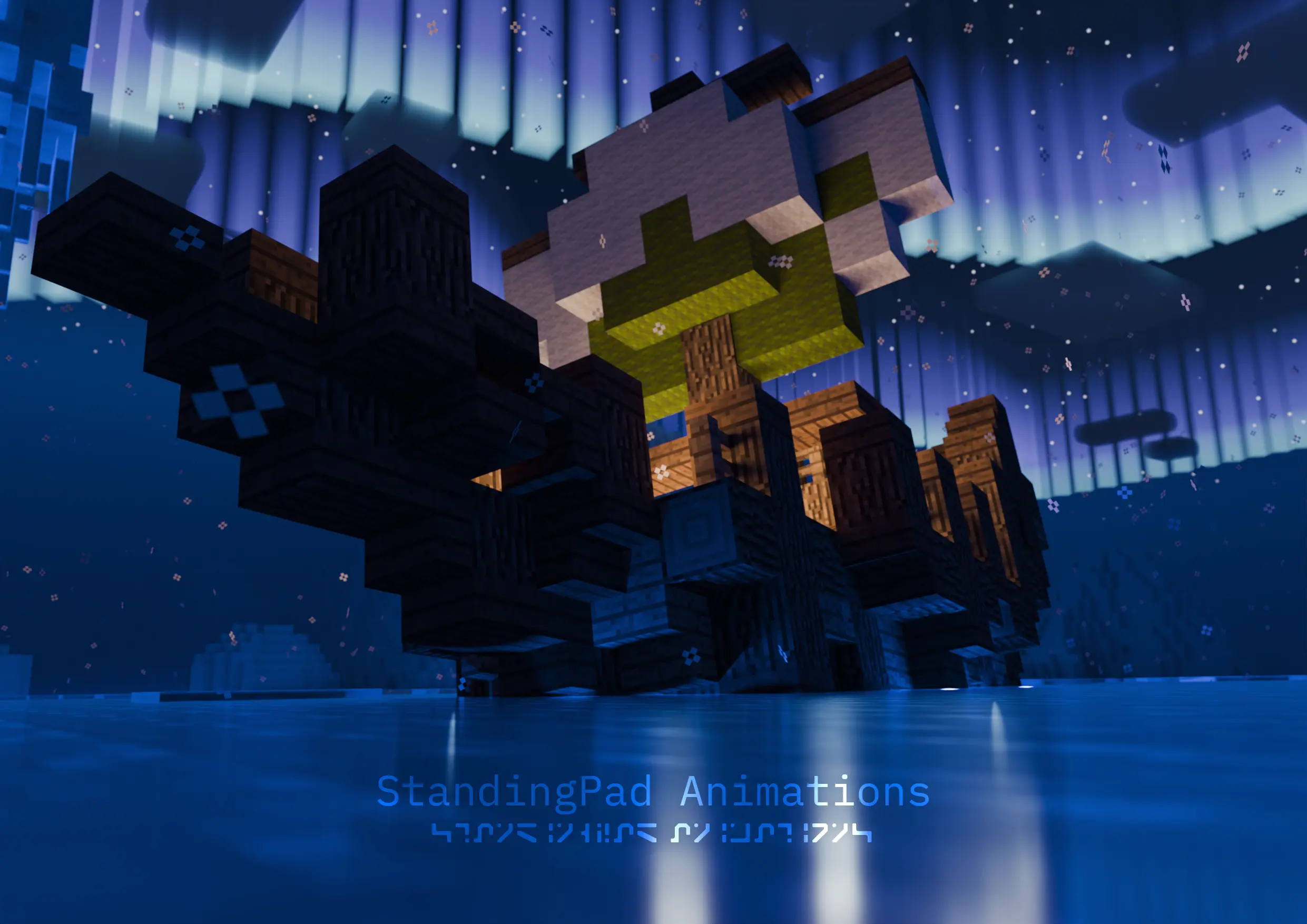
There’s some interesting things in it though, so let’s get to those.
Clouds and Aurora
For the clouds and aurora, I decided to use Complementary Reimagined as my reference. What I like about Reimagined is that it sticks with the Minecraft style while enhancing it. So I opened a Minecraft world and took some screenshots:
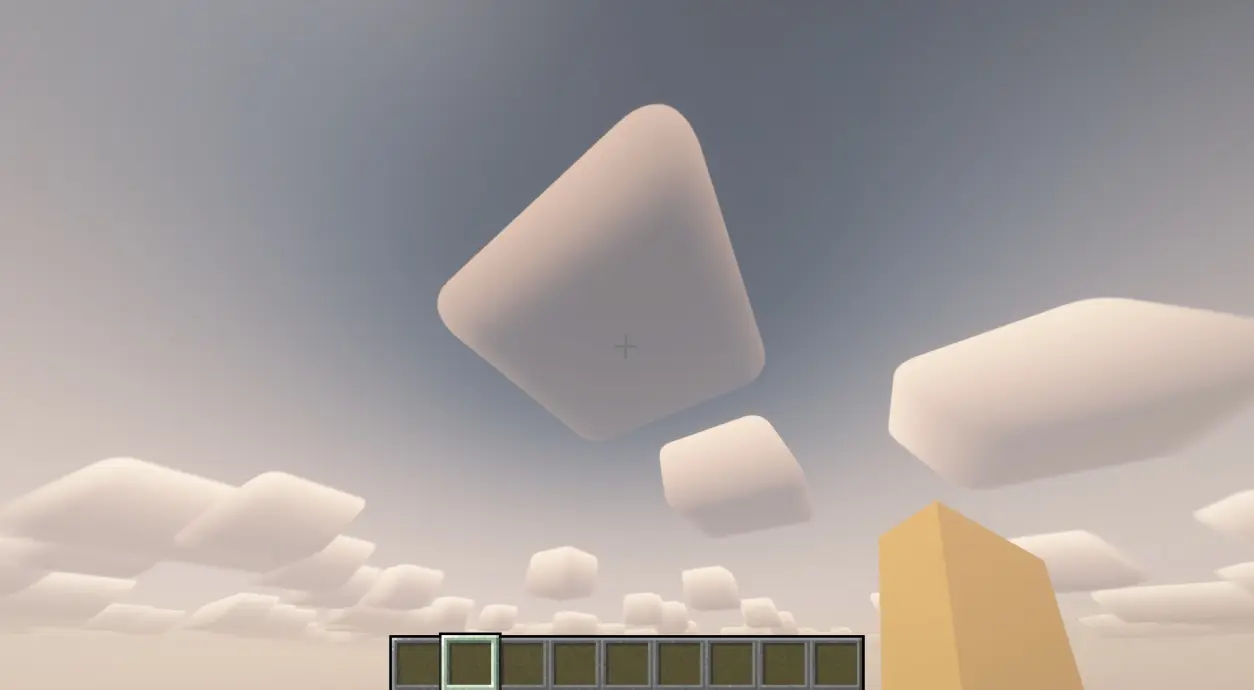
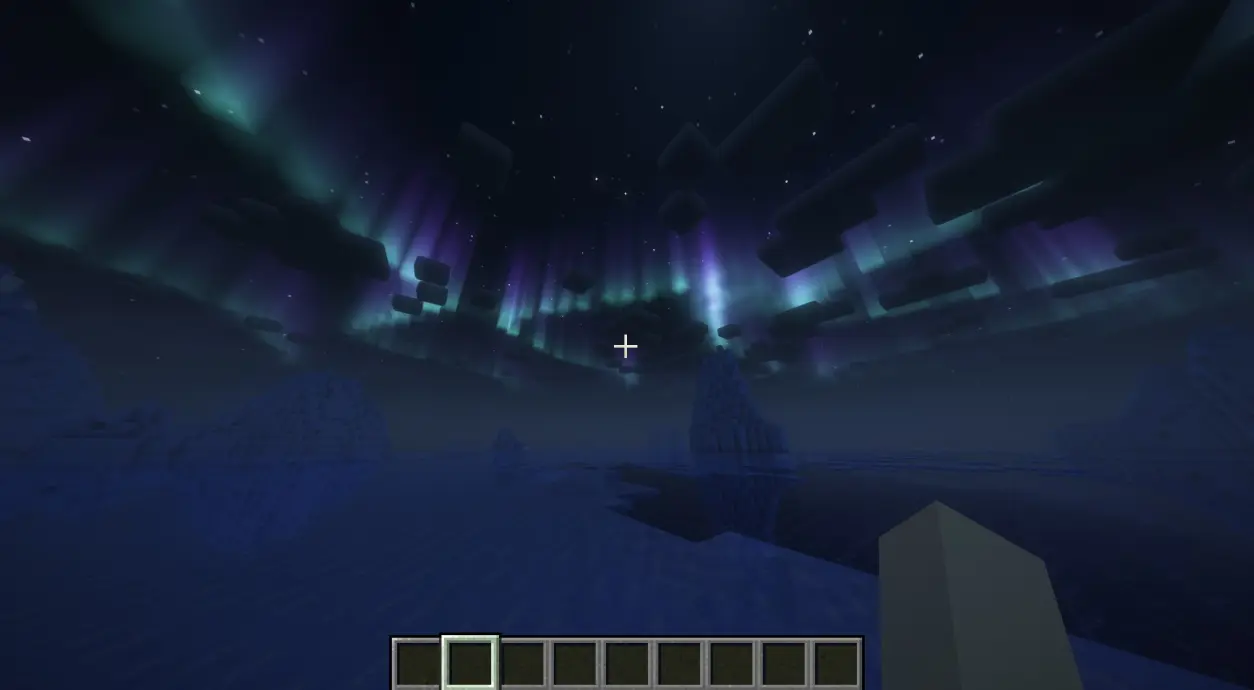
For the clouds, I just appended the MCprep cloud model from the sky files (looks like I need to add a “just clouds” option) and added a slight bevel. Then I replaced the material with a Principled Volume BSDF node.
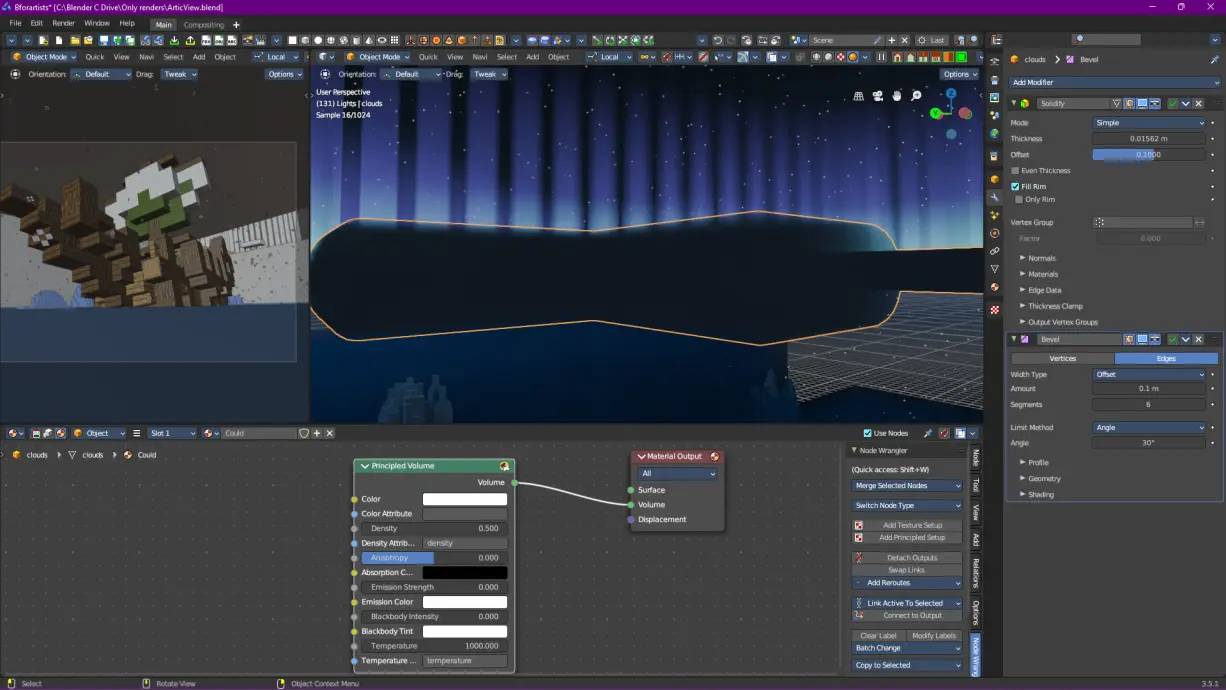
I don’t think I did proper justice to the original Reimagined clouds though. Looking closer at the Reimagined clouds, it seems to actually be a translucent mesh, but without checking the actual shader code, I can’t confirm anything. Anyway it was time for me to move on to the aurora, and this was te hard bit. I had to somehow create a cube of tall cubes, and I figured I could do it with geometry nodes (why do I now sound like the Blender version of NileRed?).
So, I created a curve object, and played around with some nodes, eventually getting this result:
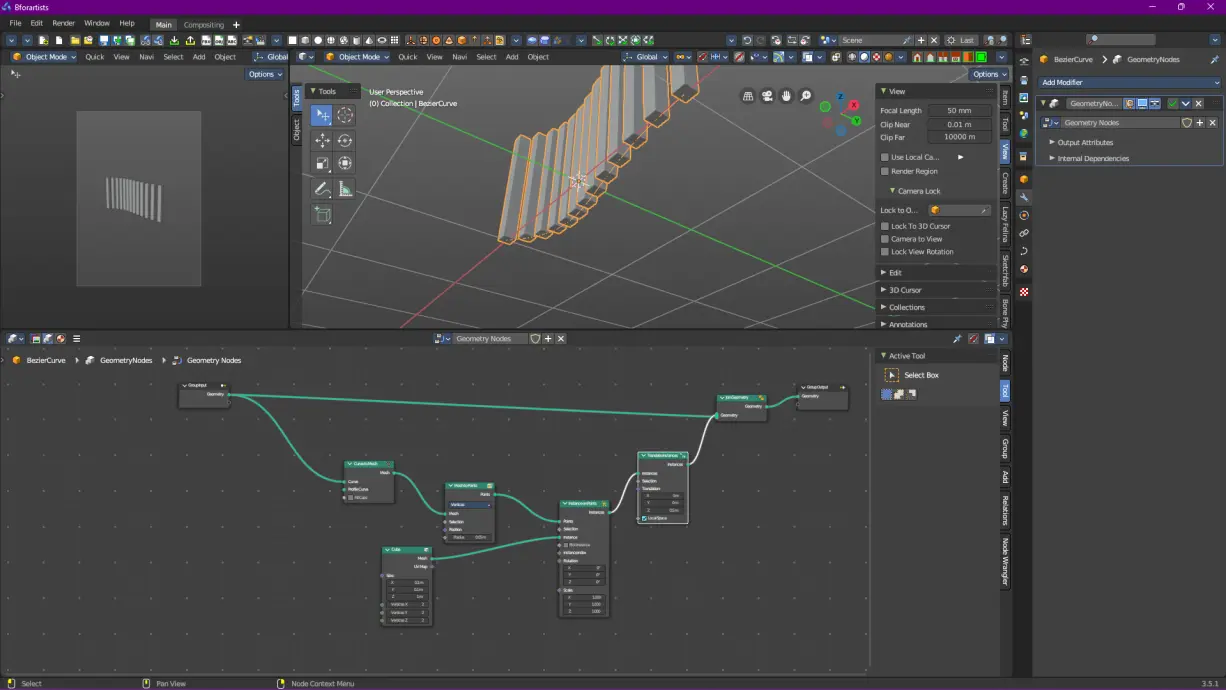
Basically in the geometry nodes, I was turning the curve into a mesh, and then adding a point for every vertice. Then at each point, I added a very tall and skinny cube. Finally, I took all of the cubes, and shifted them up slightly. It wasn’t perfect, but that’s fine for this render.
For the material, I just use gradient texture, manipulated it, and added some color, before putting that all into a Principled Volume BSDF node, and was left with the following result:
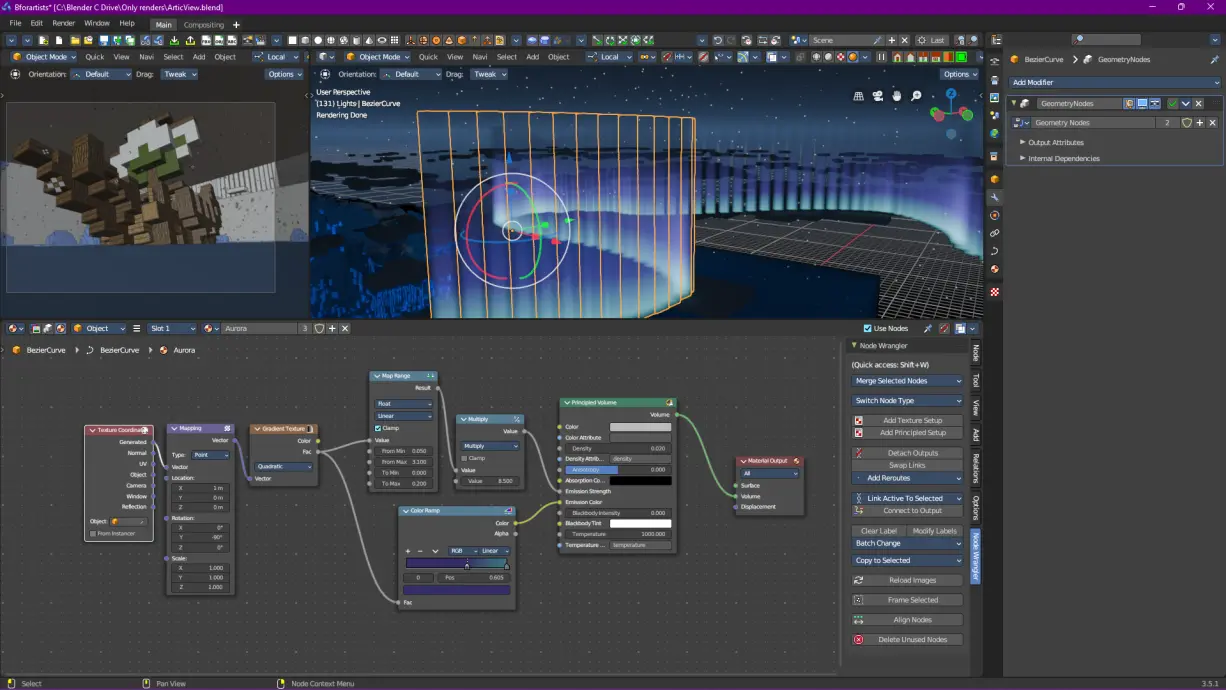
Now with those in place, I could move on to actually rendering.
Water
Just like the clouds and aurora, I wanted to have a water shader that merely acted as an enhancement of the existing Minecraft water. However unlike the previous section, I already had an existing water shader that I could use. This time though, instead of basing it off of Reimagined, I based it off of RTX Minecraft. While I prefer Java edition shaders over RTX Minecraft in most cases, I really liked how the water looked in RTX (Screenshots from Nvidia):
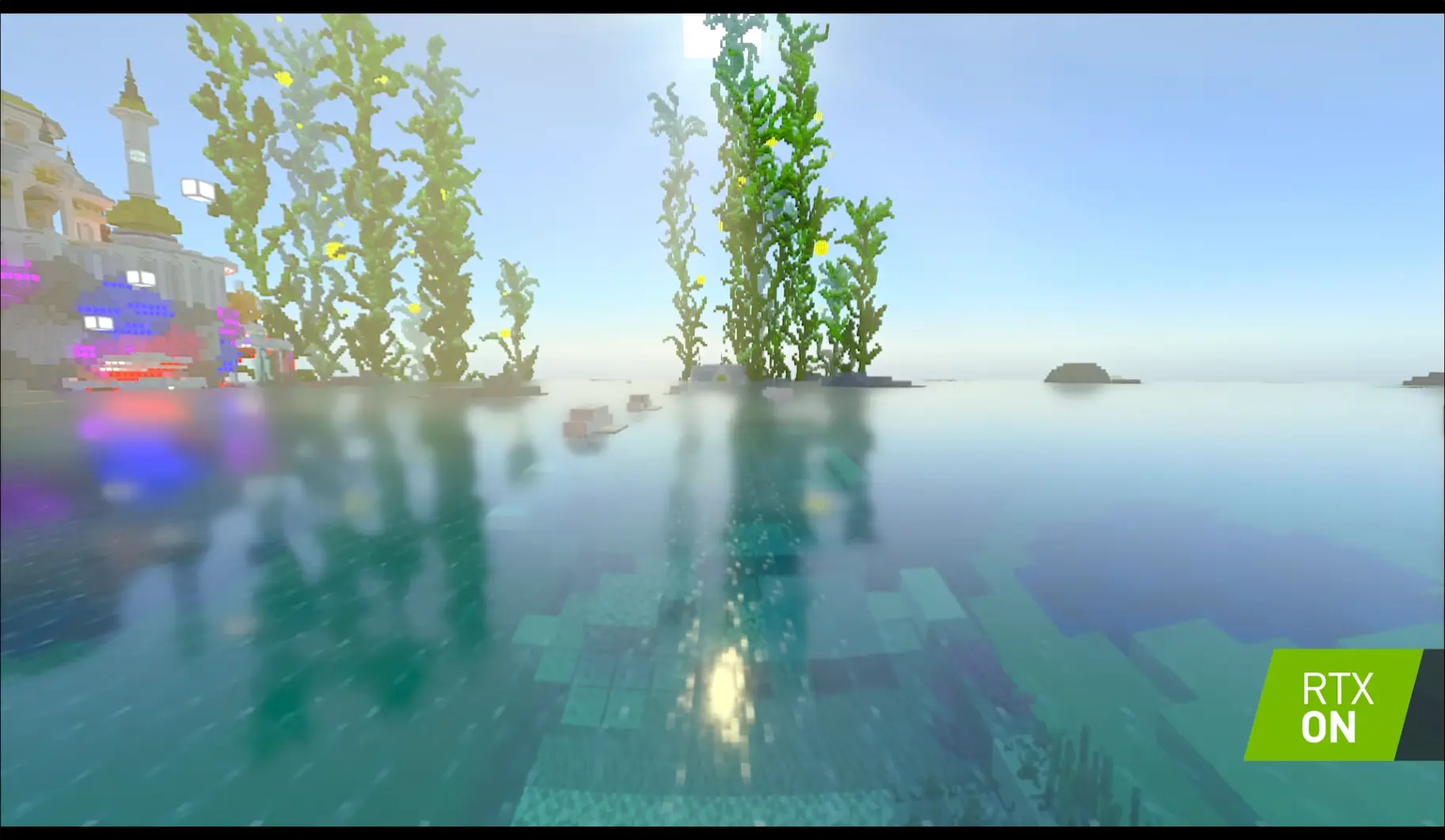
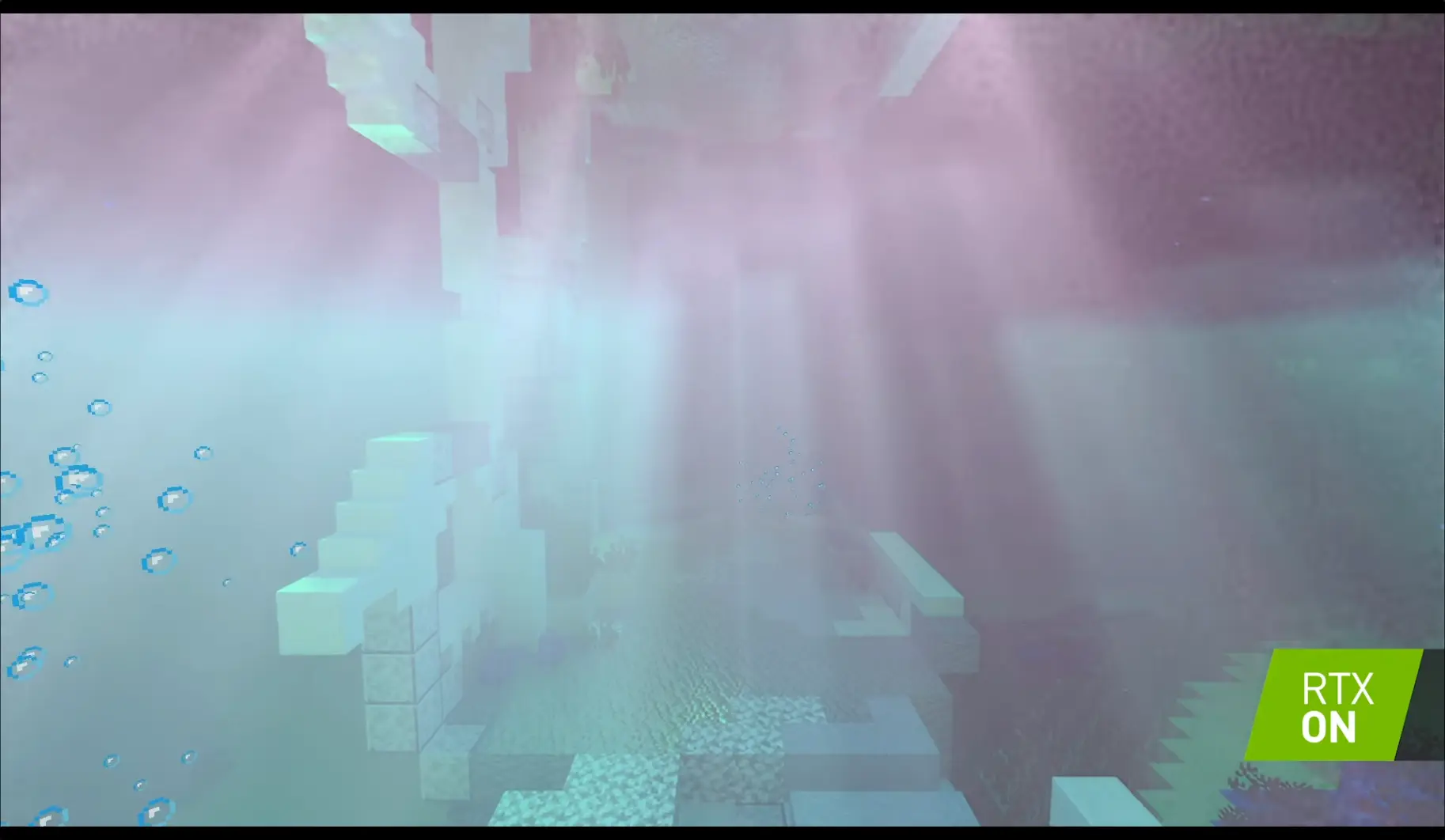
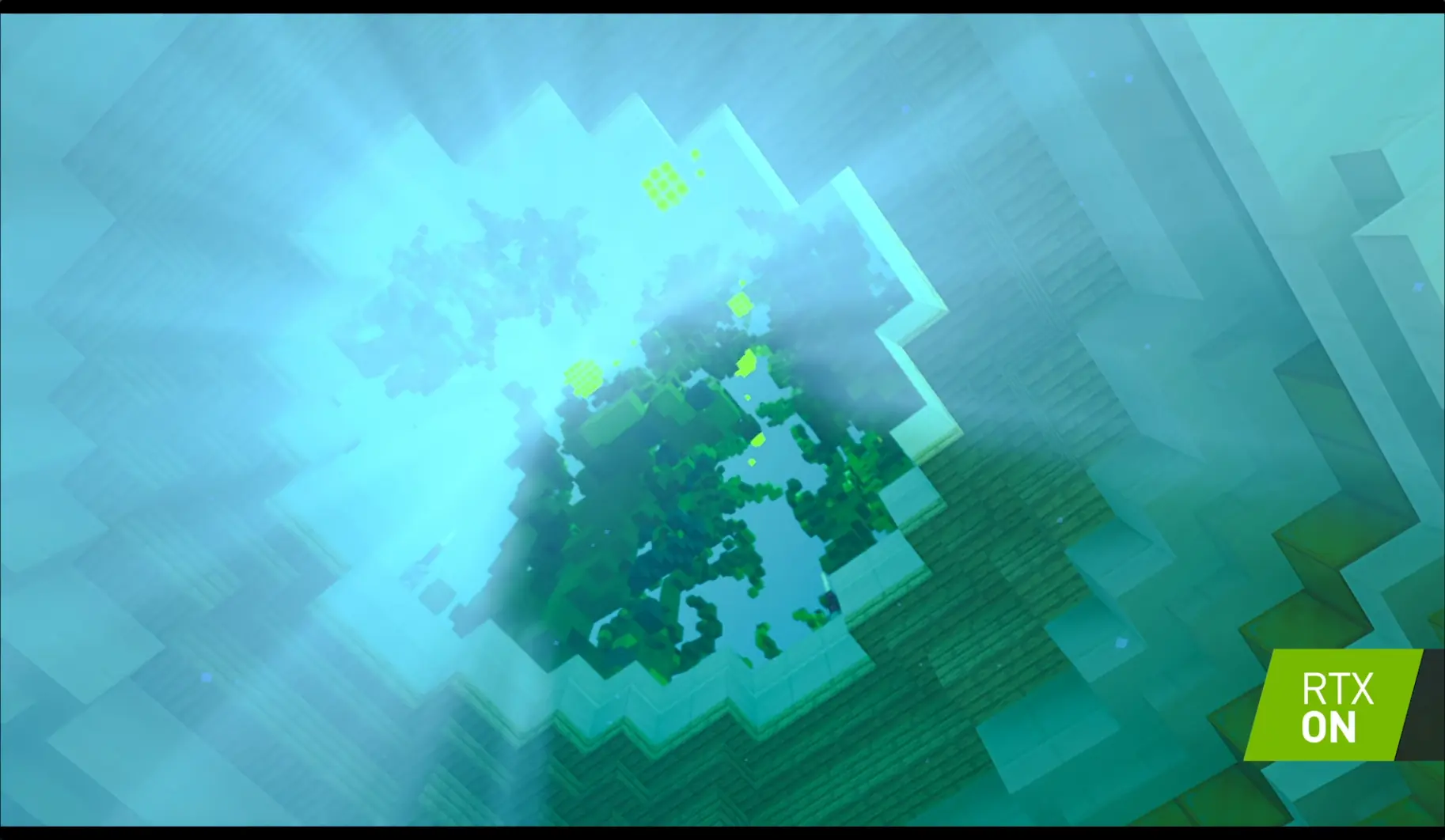
Of course my recreation is very crude and really doesn’t look nearly as good, but I think it looks pretty nice. Of course the scene being night doesn’t really do proper justice, so I’ve changed the sun position for these screenshots:
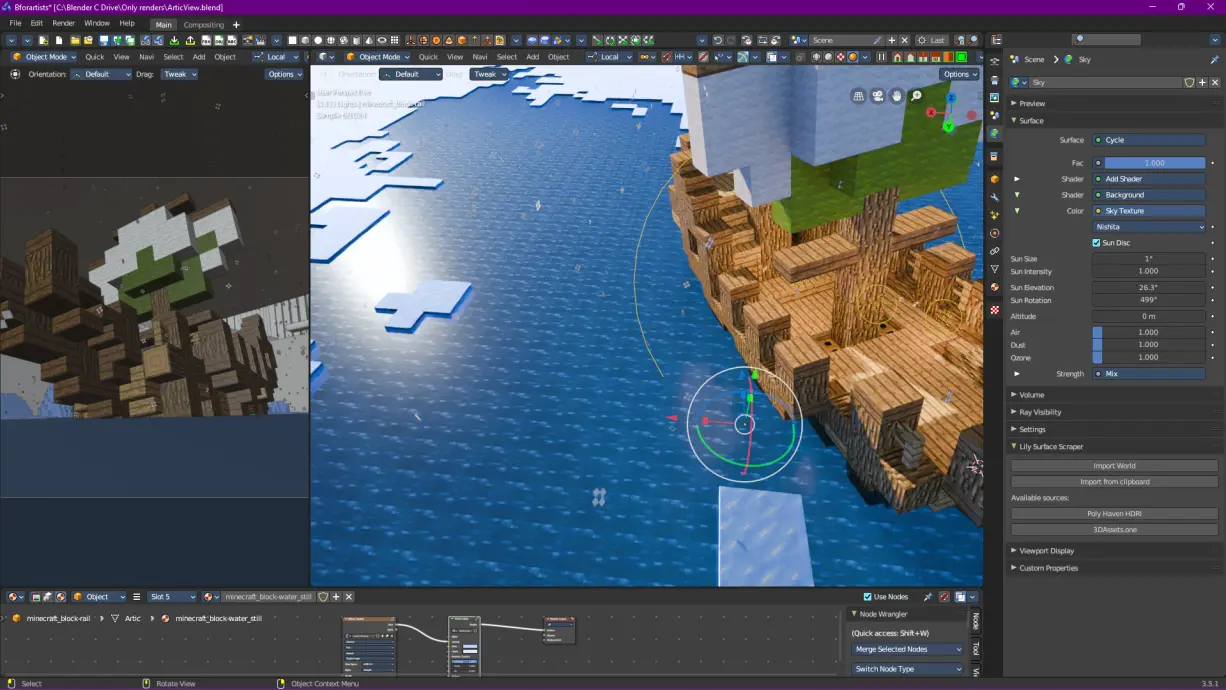
With some work, I might be able to get it closer to the RTX style, but for now I’m happy with how it looks. If you’re interested in using it, I’ve made it freely availible on my resources page.
“So wait, what does the water shader look like?”
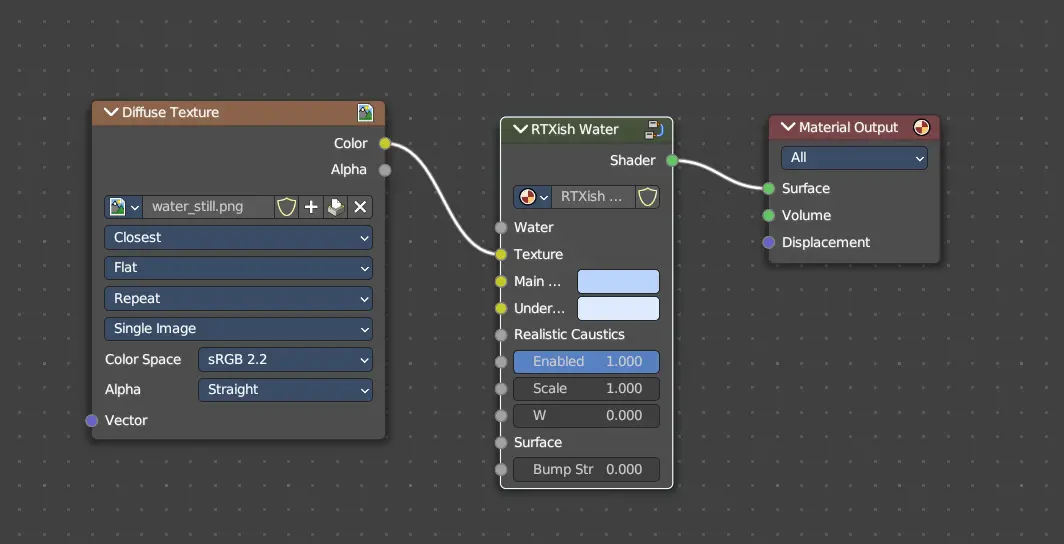
“Doesn’t look that ba- oh now I see”
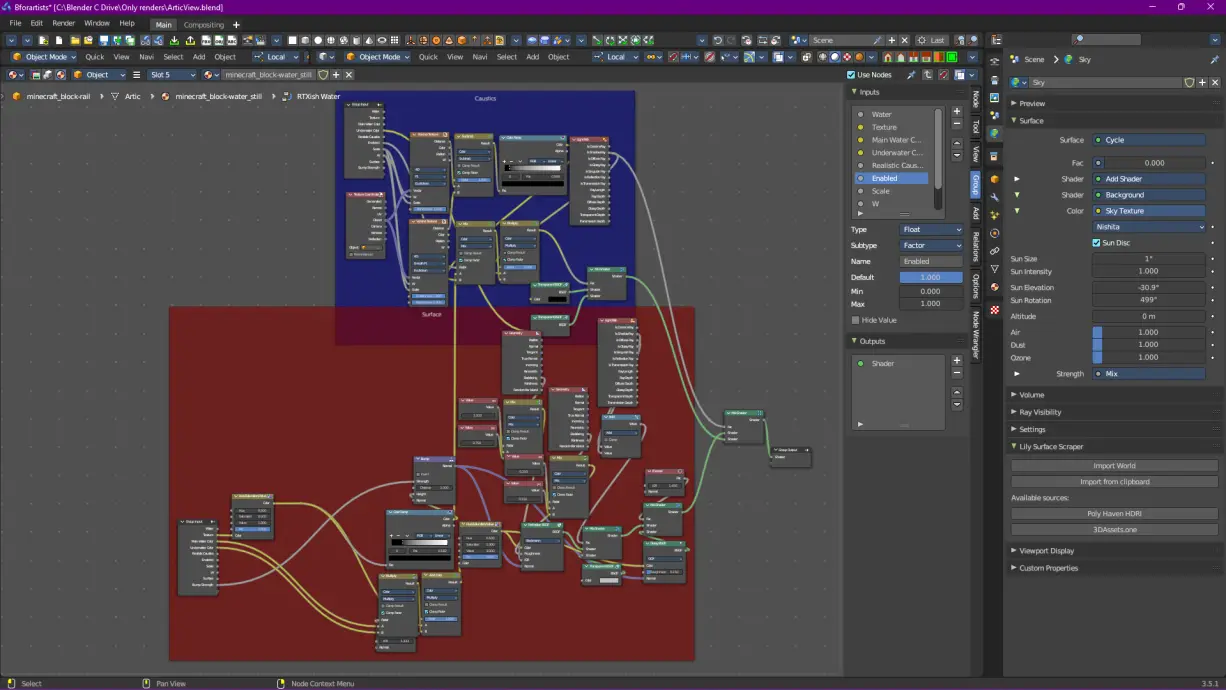
I also took the time to edit it for ice, but I don’t think it looks that good:
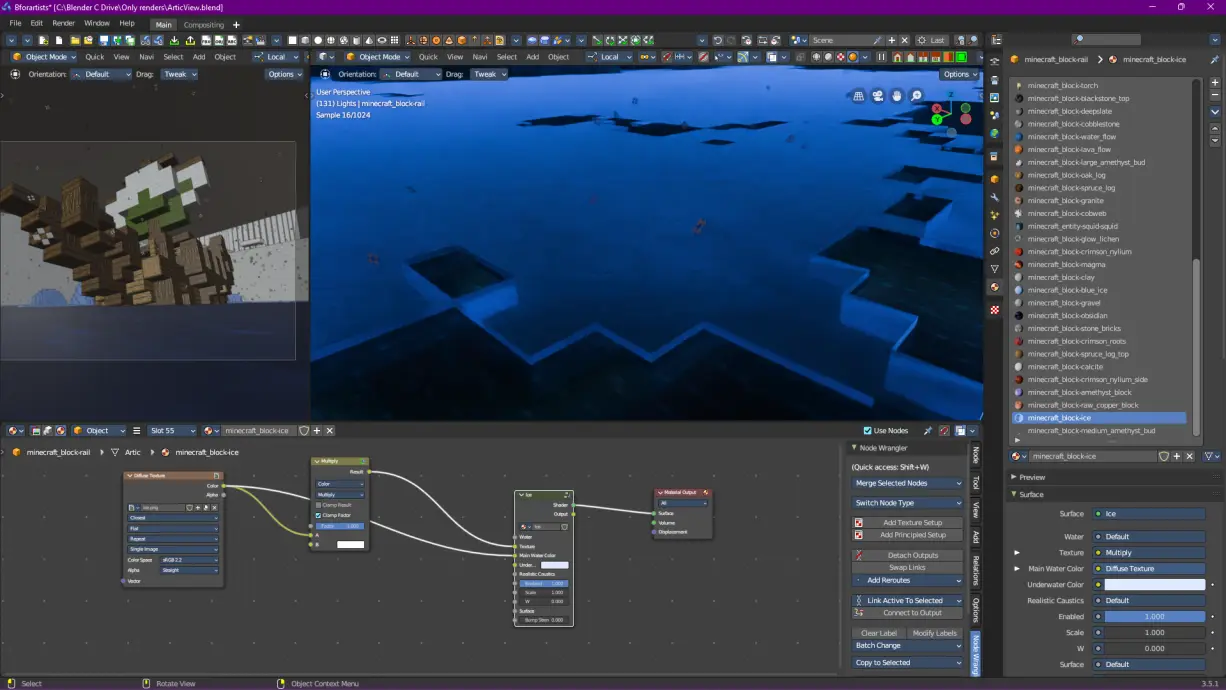
Minecraft ice is a pretty difficult thing to make look good (beyond using MCprep’s default material generation), and that’s made harder with all of the water. Anyhow I just ignored it, and I think it looks fine from a distance.
While this render is of course nowhere near as good as some of the other ones I’ve made, I think it was a good test for Reimagined style auroras/clouds and RTX style water, and now I know where to move on with making look better (oh and a good refresher since I haven’t used Blender in a while). For now though, I’m a bit done with node stuff, and I think I know what I want to do next.

Until then, cya!