It’s almost New Year’s, so you know what that means! Another New Year’s render to finish out the year!
“But Mahid, it’s Christma-”
pulls out gun They’re close enough.
But first some life updates to go through (ugh, I know). If you want to skip all of this, then click the button.
As it might have been quite obvious over the last year, I’ve not been making many pieces, and I’ve started to break down the wall between my real world life and the digital world. I’ll get to the former a bit later, but the latter might need a bit of explaining.
Bring down the Wall!
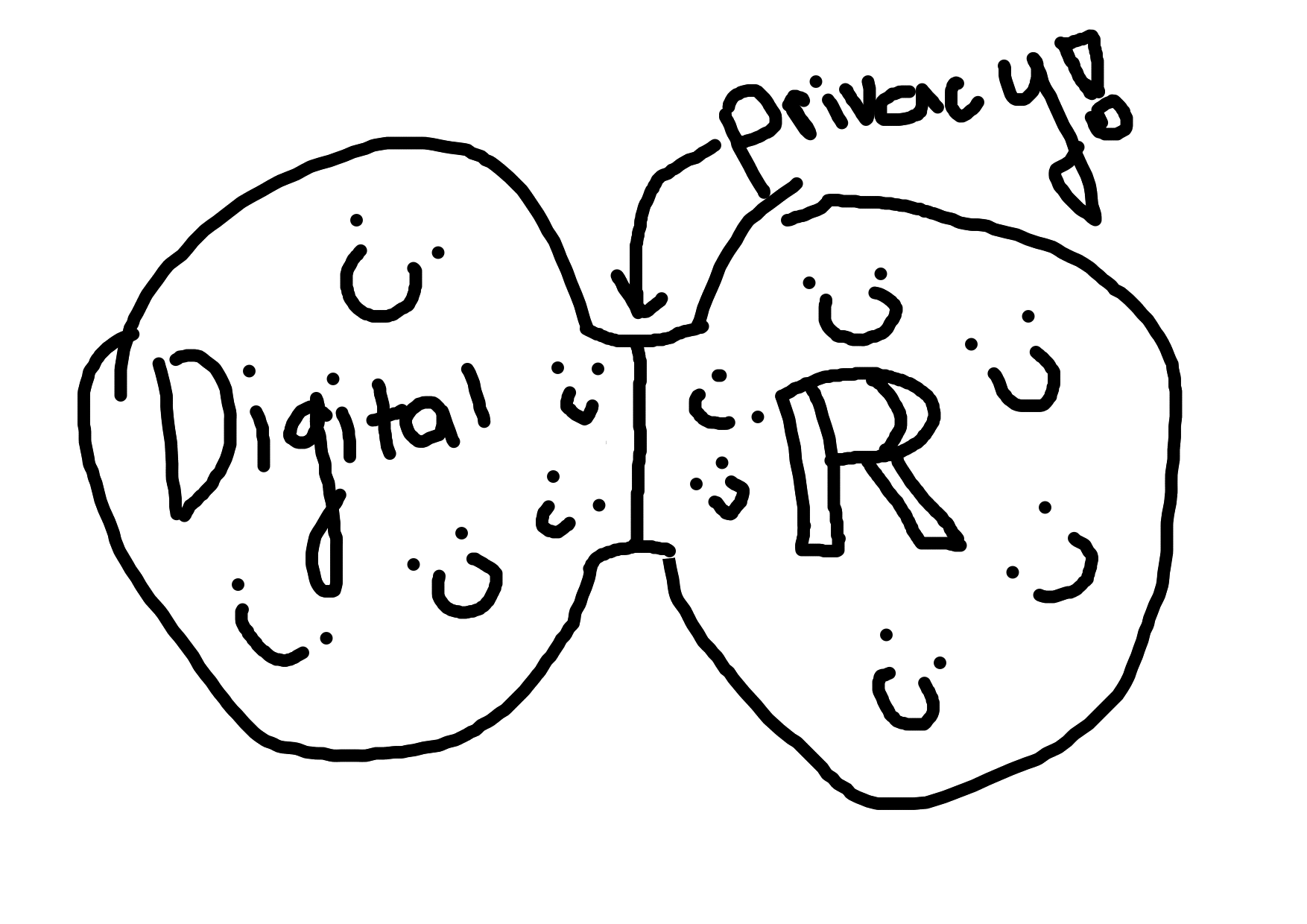
For several years, I’ve been a believer in trying to keep one’s digital life seperate from one’s real life.
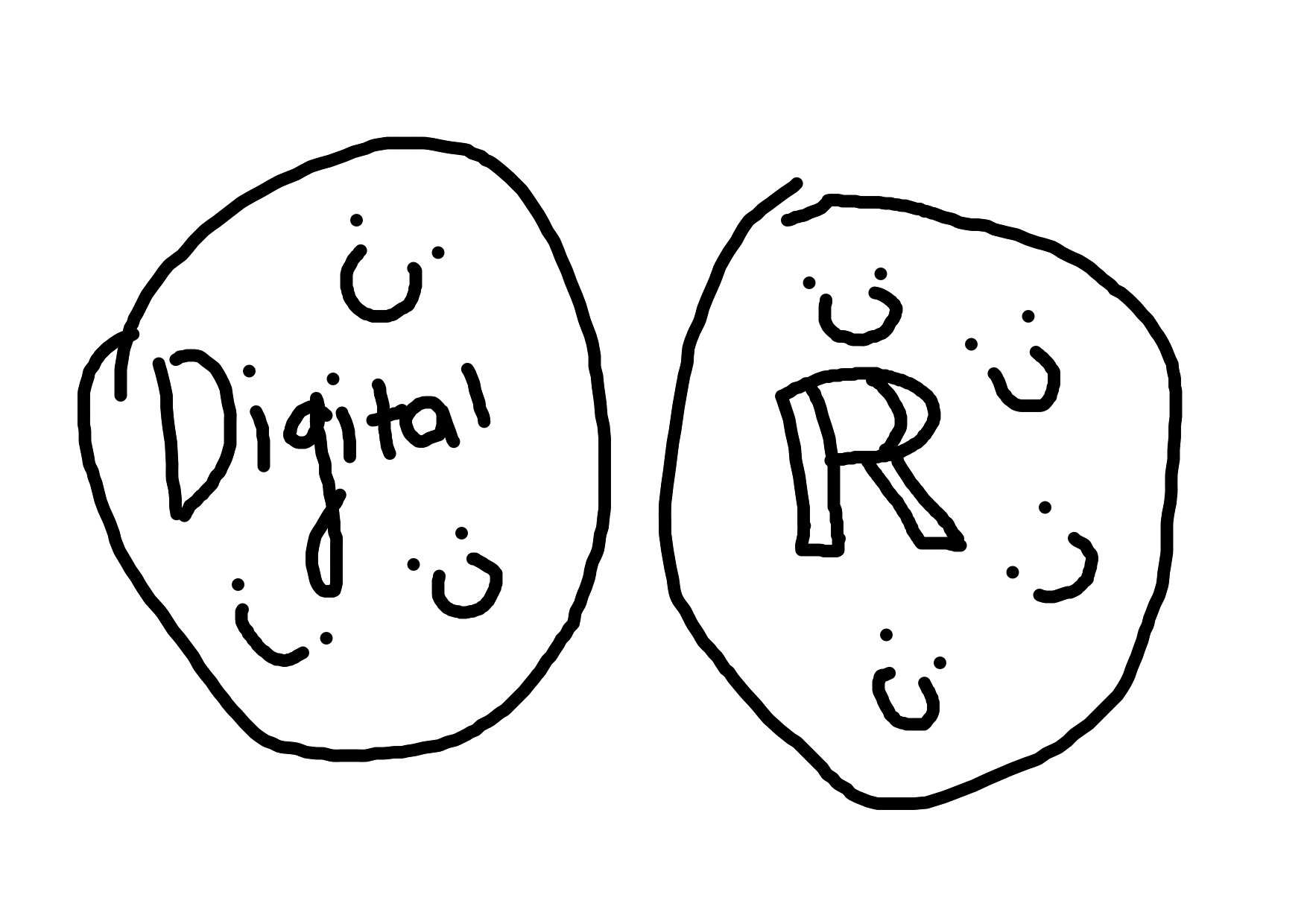
But now at this point in time, it’s important that my work (especially development related work) has something to be attributed to, hence why I’m breaking that seperation just a tad bit.
Less art? Aww man
On some sadder news, I can’t make as much art as I used to in the past. Mostly because I’ve exhausted all of my ideas and new ones come at a slow rate, and partly because I simply don’t have much time anymore, which is why starting next year, I want to make at least 2 major pieces; one in May-June (Spring/Summer), and one in November-December (New Year’s, like the now). There will likely be some other stuff in between, but those are when I plan to make “major pieces”, pieces that wil make it on to my ArtStation. Ideally it wouldn’t have gotten to this point, but that’s just what’s it’s going to be moving forward.
I’m also doing a personal rebrand of myself as an artist (in conjunction with the previous section), so I’ve made a new logo and watermark (SVGs below):
New Logo
New Watermark
This Year’s New Year’s Render
(that title is a bit of a mouthful)
With all of that out of the way, if you’re just here for the render, here it is, you’re welcome
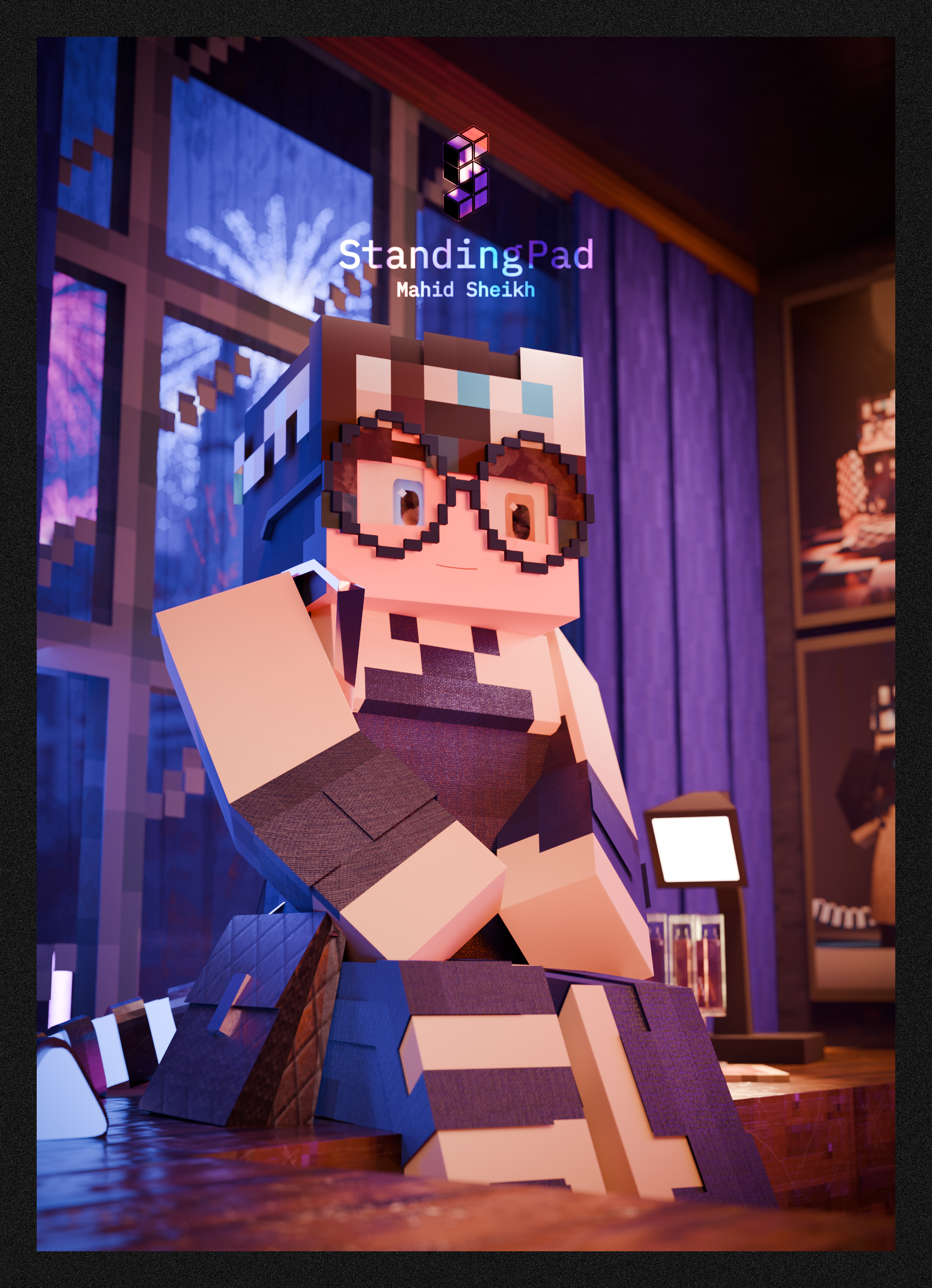
One of the fun things about making these every year is trying to outdo last year’s version of me, so here’s a breakdown of some of the new things I did for this particular piece.
Vivy
One of the things I’ve been working on is Vivy: an in-house fork of MCprep with a much improved materials system. I’ve been rambling a bit about it on Mastodon the past couple of months.
Now I know some people may be saying “gib download pls”, especially after seeing the PBR demo demo.
While I initially wanted to make Vivy a full fork of MCprep (interestingly enough I actually got an offer from Kevin at Pidgeon Tools, the developers of Super Image Denoiser, to make it a part of their line of addons but denied the offer), I’ve since decided to keep it as an in-house fork, for these reasons:
- As impressive as the demos look, there’s a lot of manual work involved
- I’ve been trying to design a simple to use UI for the full material system, but it’s basically impossible
- I don’t want to deal with angry 12 year olds expecting something as easy as MCprep (Vivy is very much designed for people with a lot of Blender experience)
I have made it availible on GitHub for transparency reasons, but keep the above in mind if you plan on trying to use it yourself:
StandingPadAnimations/Vivy
MCprep with 100% more control!
Optimizing Scenes for Laptops
When I began working on this back in November, I made one rule: until the final render, everything is to be done on a laptop (the final render would be rendered on a system with an RTX 4060 and 32 GB of RAM). The reason is simple: using my more powerful system for everything is an absolute pain, from dealing with Windows (my daily driver is an Arch Linux system) to dealing with a Fornite gamer that doesn’t seem to understand time management, it’s easier for me to make everything on my laptop, then do the final render on a more powerful system.
Traditionally we think of optimization in Blender as optimizing the render time, but in this case, I had to optimize for something else: viewport performance. After all, you can’t have a render if Blender keeps crashing. In the past, this wasn’t something I normally had to think about, but on a laptop, it’s a number 1 priority.
The main thing that caused crashing of my laptop was all objects being in the scene at once. For a while, I tried to just deal with it, but it got so bad that I began to sit down and rework how I do collections.
In the past, I would just have a mess of an outliner.
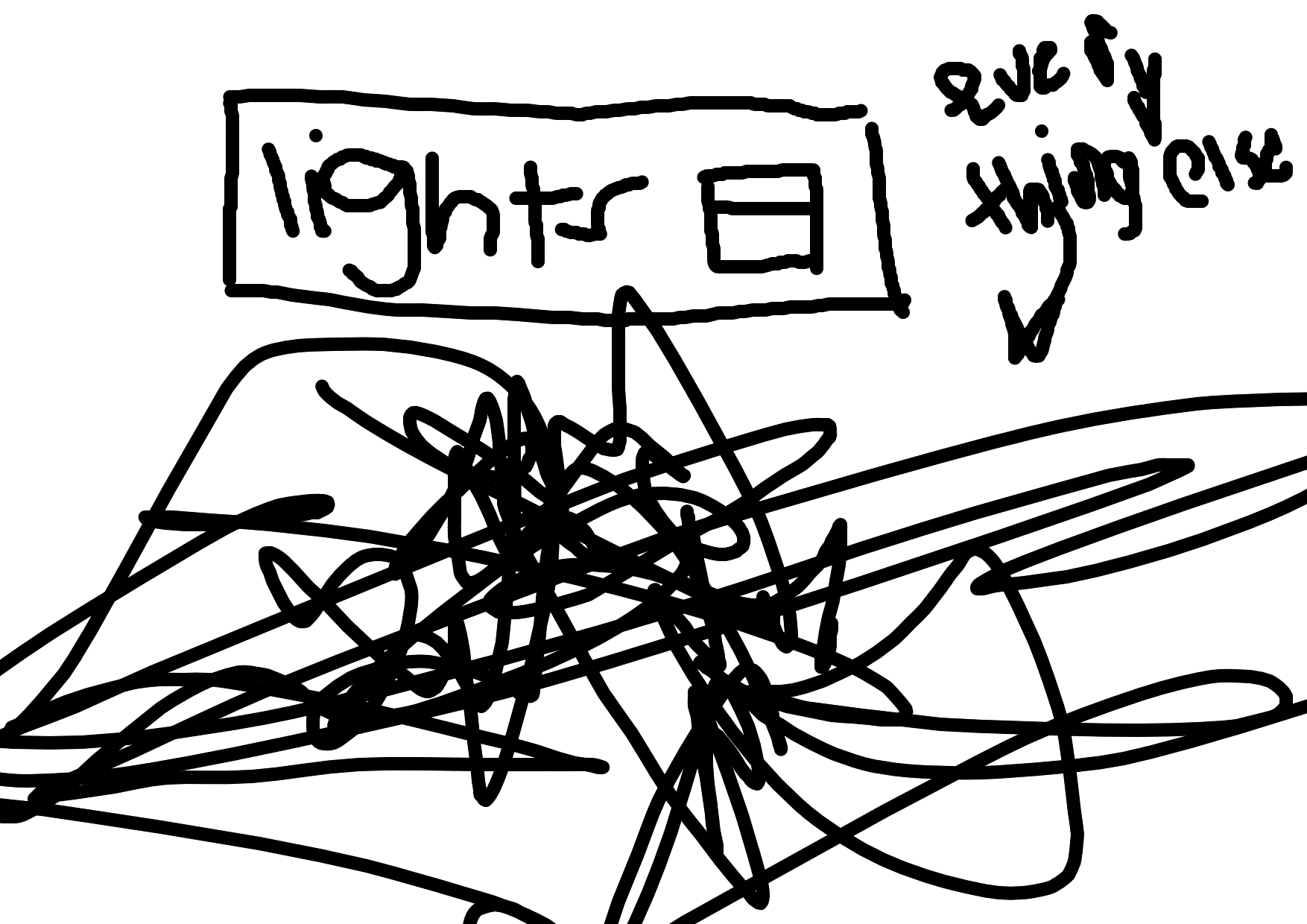
but now I actually needed to have something organized to manage the mess. I did this by having a seperate forground and background collection, and seperating everything into those 2 collections. This allowed me to easily hide the background (unneeded 90% of the time) and unhide it when it came time to render.
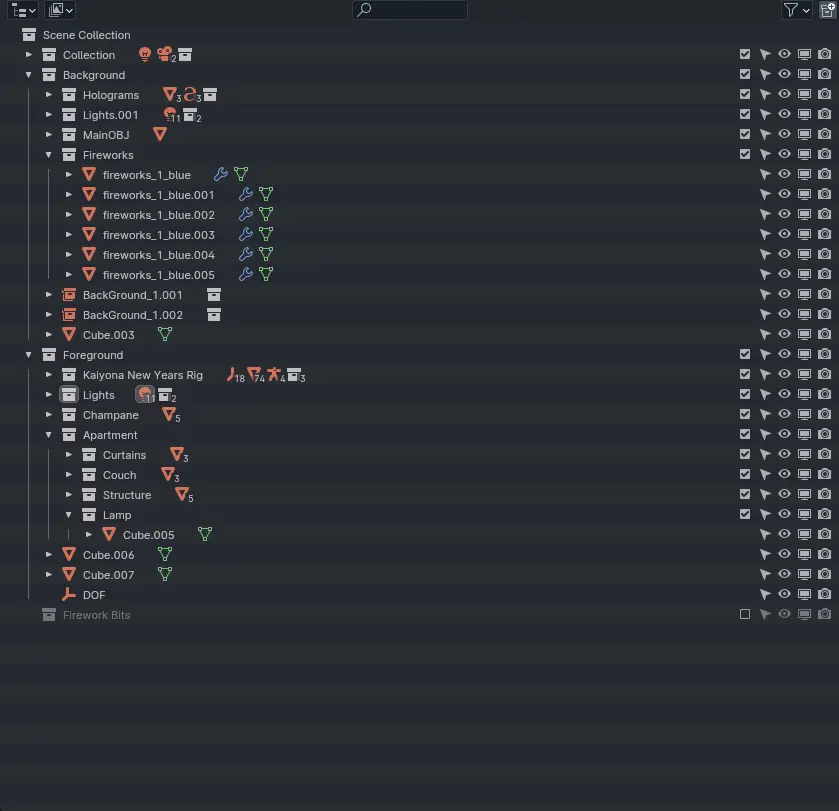
Note: There’s some additional stuff I added after taking this screenshot, but I think you get the point. Plus, the additional stuff are
inuendos ;D. Happy searching!
It was with this trick that allowed me to continue working on a simple laptop. For further optimization, I even split the OBJ in 2 to allow seperate background and forground pieces.
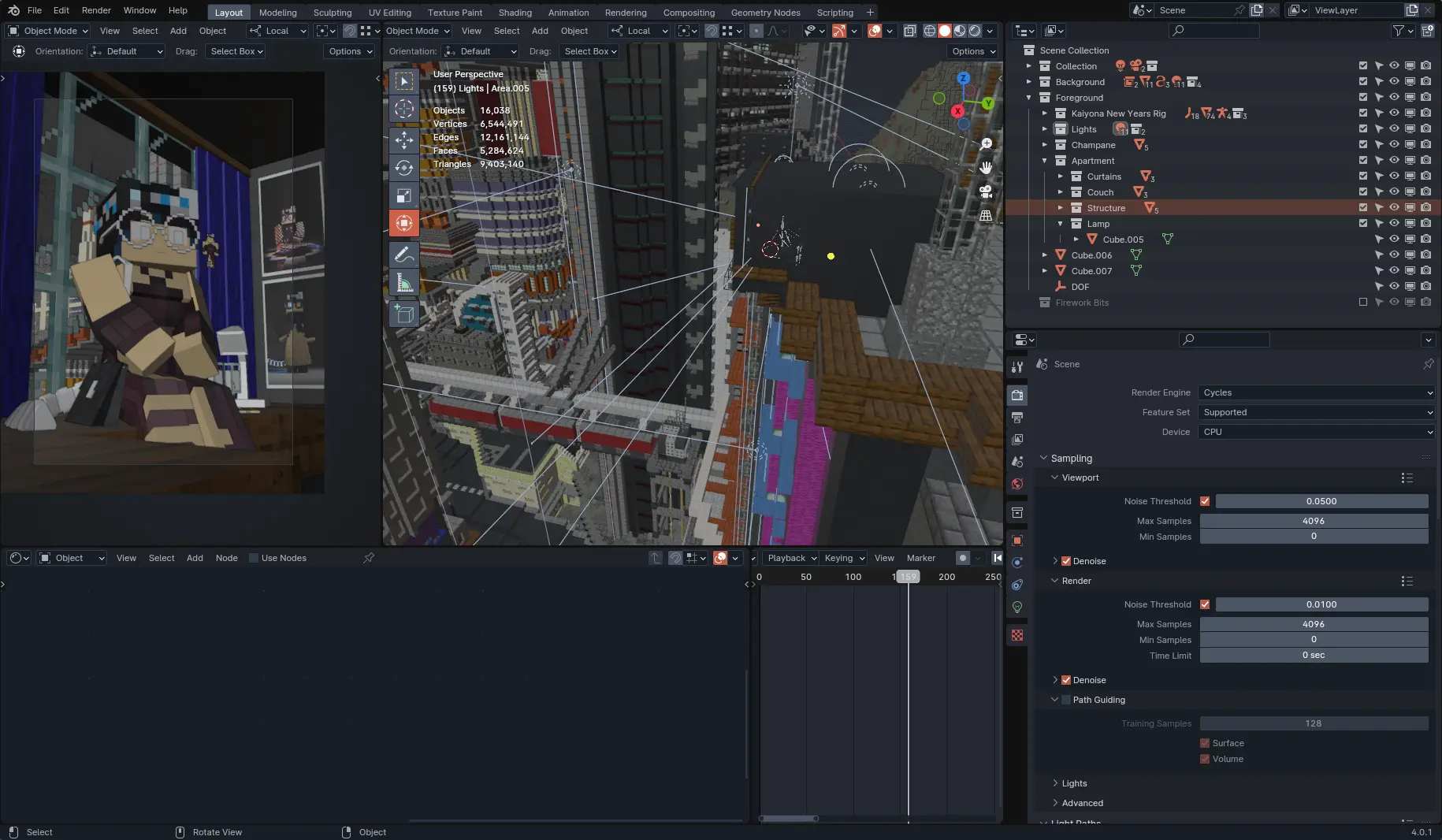
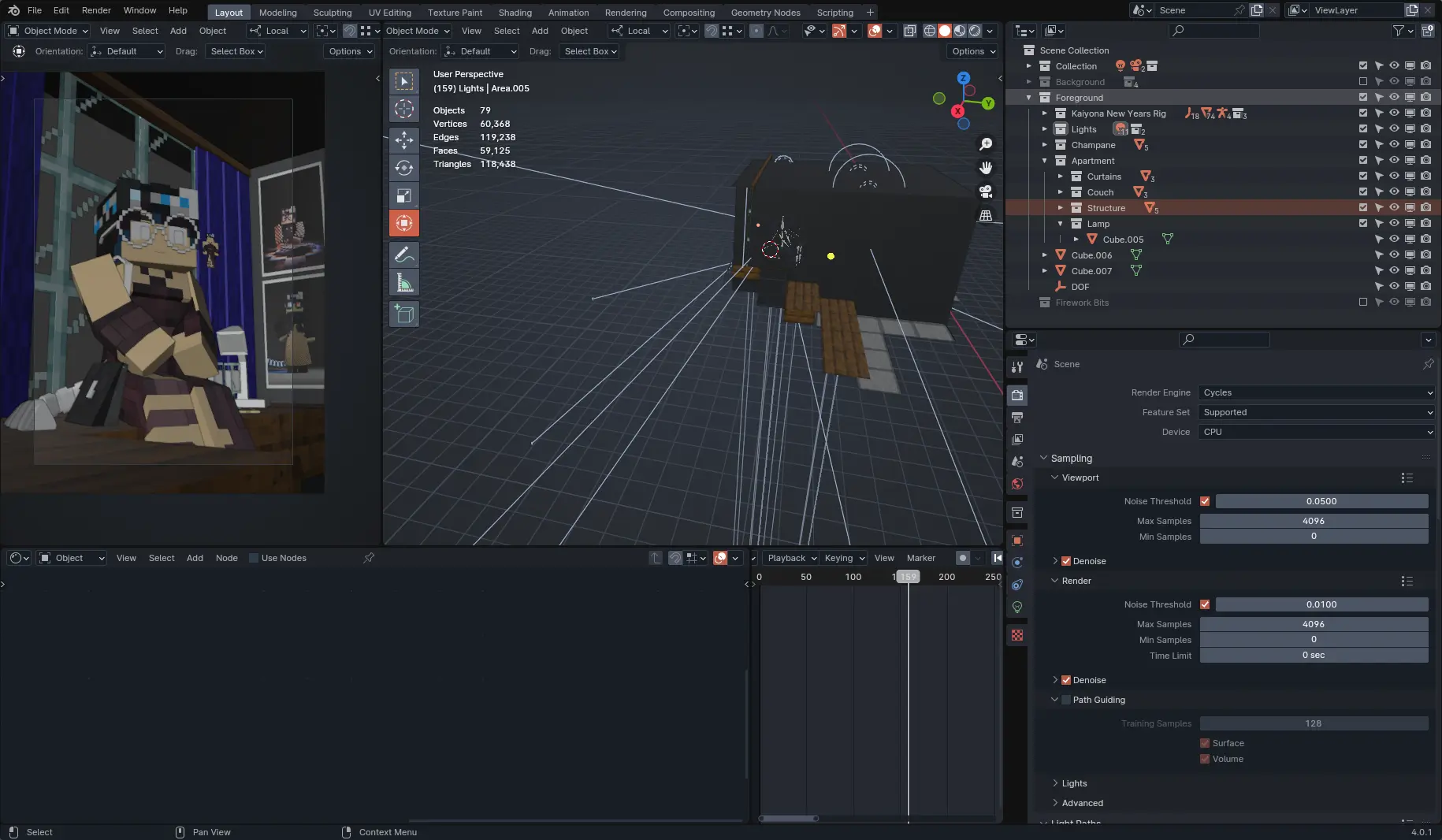
I also “duplicated” the OBJ to use in the background, but using collection instances. What I did was, in a seperate file, create a version of the OBJ with some heavy decimation (finer details aren’t needed for things far away), then imported it as an instance. This meant that, while I had multiple “duplicates” of this background OBJ, they all shared the same object data, which was important to reducing memory usage. Sadly they’re not really noticeable at the final camera angle, but it’s a neat trick nontheless.
Micro-detailing
For this scene (and all scenes moving forward), I’m trying a new method called micro-detailing, where I add smaller details on models, but try to keep the scene as a whole distinctly Minecrafty.
It’s quite obvious on the dress and purse, but I also used higher resolution textures (32x32 instead of 16x16) with PBR.
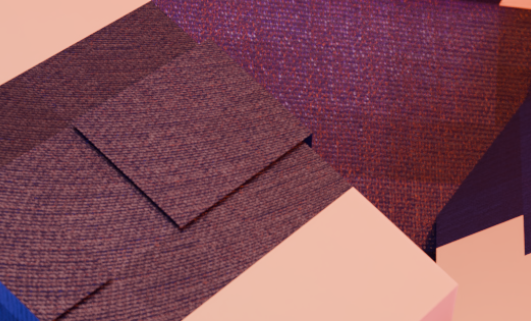
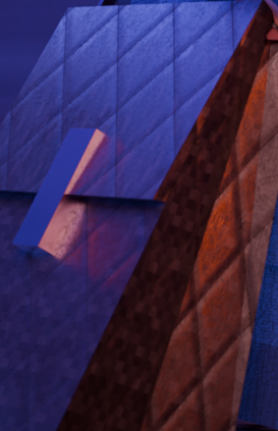
In addition, I added surface imperfections to this particular render, such as scratches on metal, smudges on glass, grunge on the window, etc:
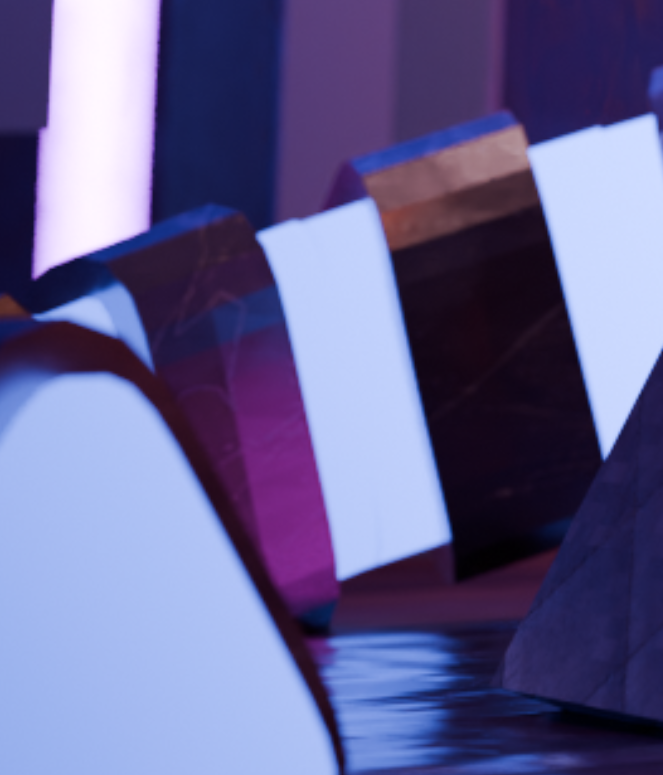
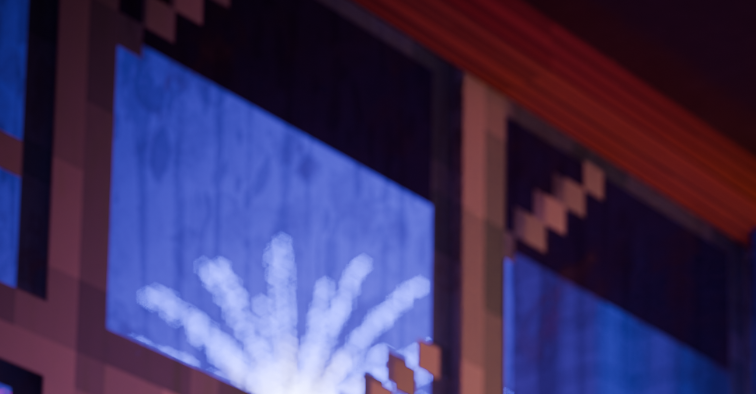

I began experimenting with stuff like this (minus surface imperfections) a while back in some earlier pieces, like with stockings:
And denim:
There’s several reasons I did this, but the main one being that’s unique. Yes, there are already artists who do “realistic Minecraft rendering”, but I have yet to see one that did it within the bounds of Minecraft itself.
Part of it (indirectly) is also to make it harder for AI to replicate. I think David Revoy puts it best on his blog post “My Brushstrokes against AI-art”
Do you want to know the irony of all this? These developments towards a stronger personal style in my art, though I am pained to admit it, come from the pressure of the existence of AI-generated images.
While indirect, I did find that with the rise of AI in art, I started using more and more complex tricks in my rendering. Is it coincidence? Probably, but it’s still interesting nonetheless.
Rigging
When I started putting together the scene back in late November, an issue I encountered a lot was Blender crashing. While now I know this was due to bad organization, at the time I only had the Blender logs to work with, and I concluded it was the rig’s circular dependencies causing the problem.
“Circular dependencies?”
In rigging, armatures often depend on drivers or constraints, and these drivers/constraints can depend on bones. This creates a “dependency chain”.
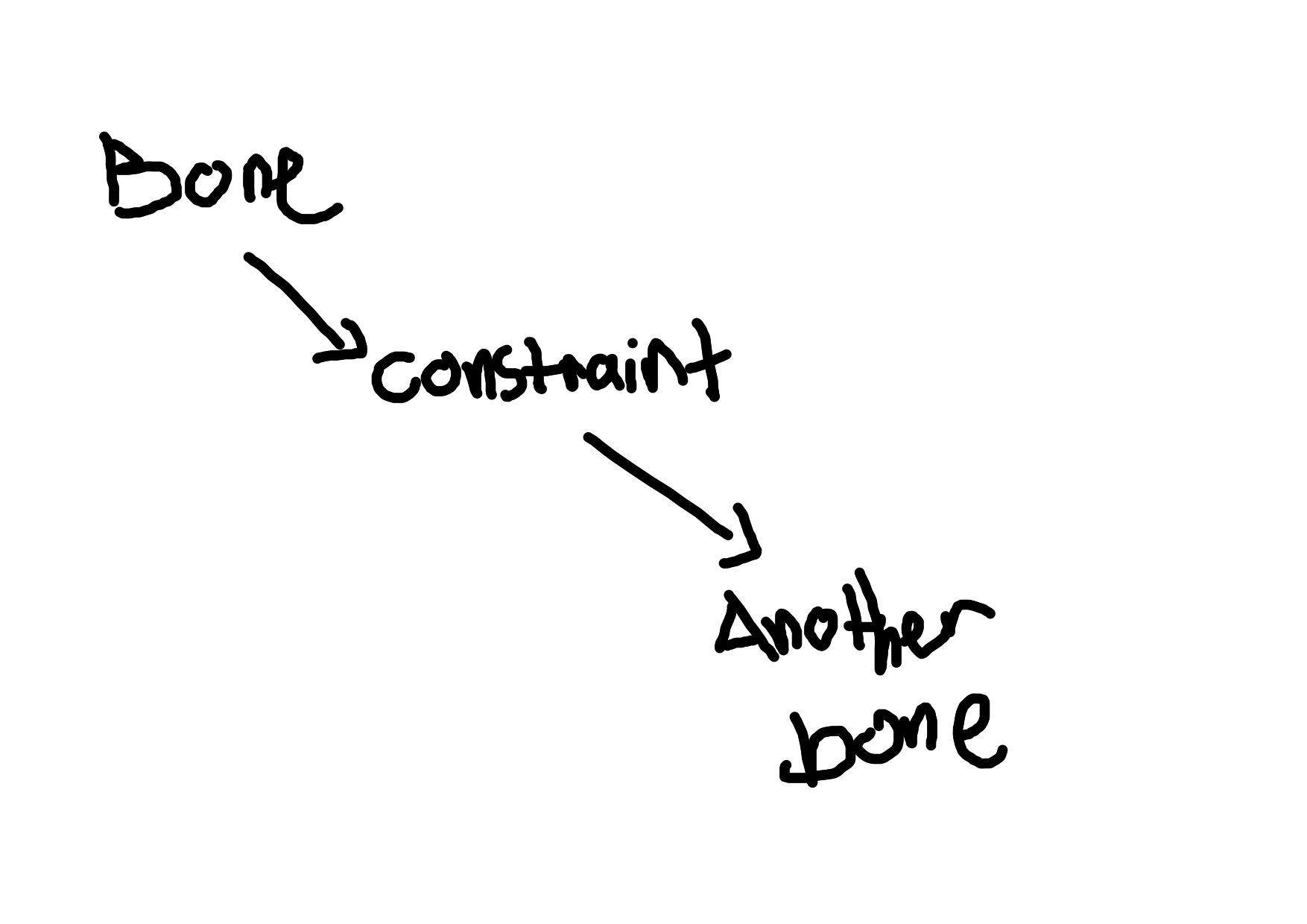
However, a circular dependency chain can occur if a bone depends on something that, at some point, depends on the bone itself.
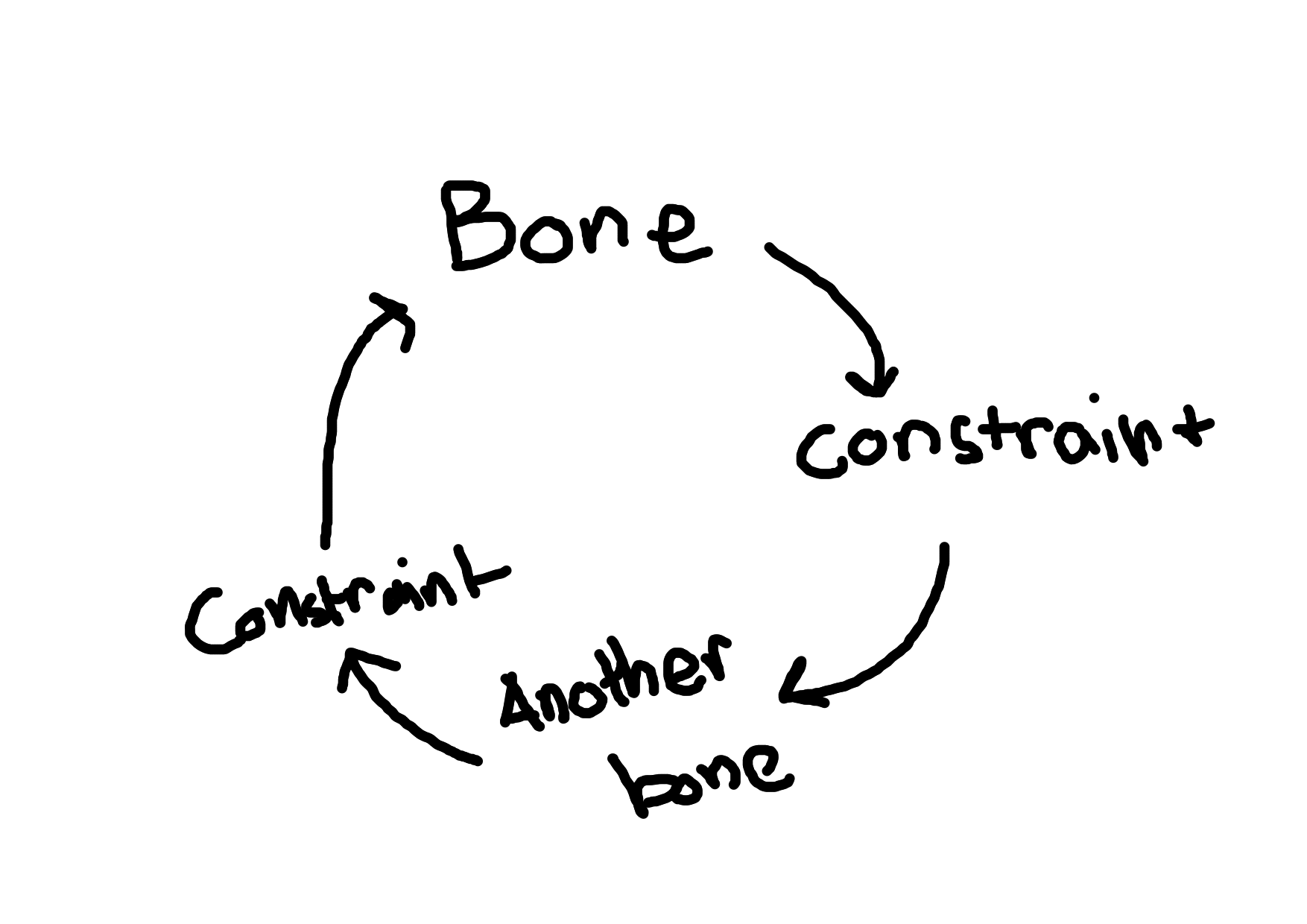
Normally this isn’t too bad, but should be fixed since it can cause crashes. At the time, I was using BPS V3, specifically from Ocean Monument, made all the way back in Blender 2.8. The rig has some annoying circular dependencies, so I decided to try and make my own rig.
Now eventually I decided to try and fix BPS V3, but…
3 words: Zophiekat Black Magic (Zophiekat was the one who made BPS V3)
Eventually I get my rig finished (in fact, the post with Kaiyona in stockings used the new rig), but by then I figured out the actual cause for crashes, so this is the last piece that’ll be using BPS V3.
Goodbye BPS V3, you were a pain in the ass on the final stretch. I’ll be making a seperate post on the new rig later.
How Things Could Have Been Different
Work on this particular render began all the way back in October, with skin making and purse modeling, with the actual scene building in late November. In between, I was working on my laptop to PC workflow and traveling to Pakistan to visit family. I made a first render on December 3rd, and the final render you see here was rendered on December 23rd. In comparison, last year’s render for New Year’s was made throughout the span of a week.
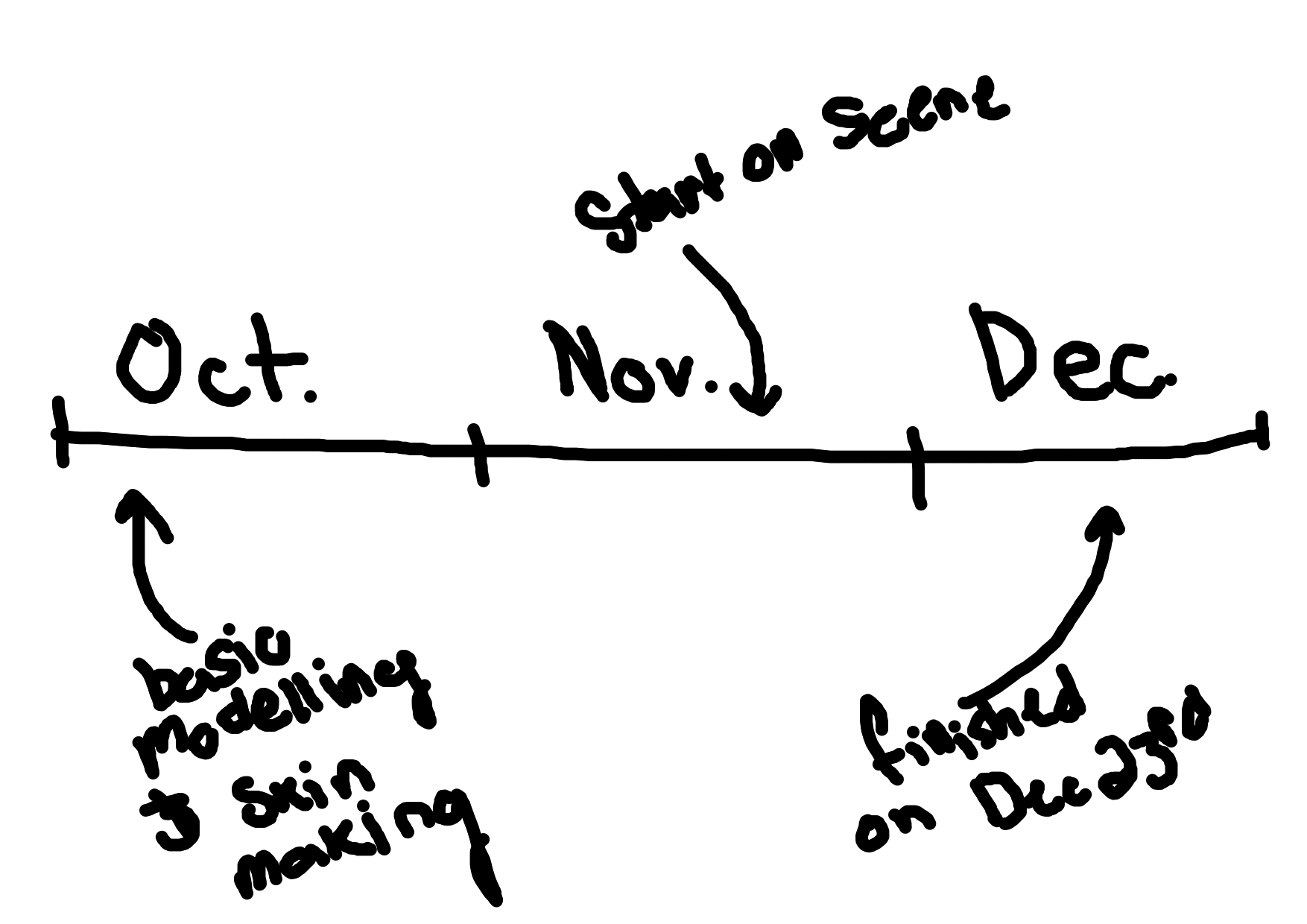
As such, this scene changed massively as I continued to work on it for a month. Initially, I wanted to make this an outdoor scene, so I worked a lot on outdoor lighting:
However, I wasn’t a huge fan of it, so I modelled a basic interior with some pink lighting:
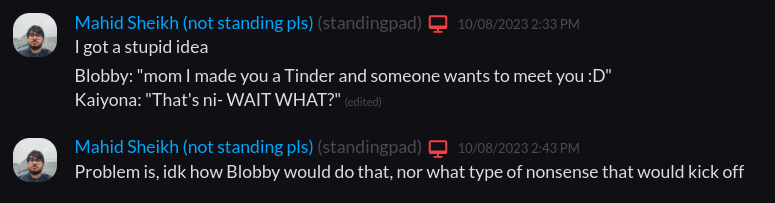
I think I have to explain my thought process here. I had an idea that never came to fruition of Blobby registering Kaiyona for a Tinder and getting a match (stupid I know)
By the way Blobby is this blob. He’s not a common character I use anymore, maybe I should bring him back:
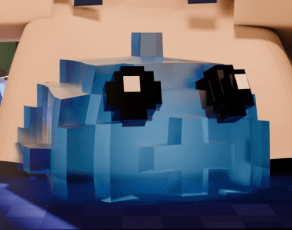
As I was thinking out the idea a bit further, I figured a good match in this hypothetical scenario would be the implied cameraman stuck in Blender:
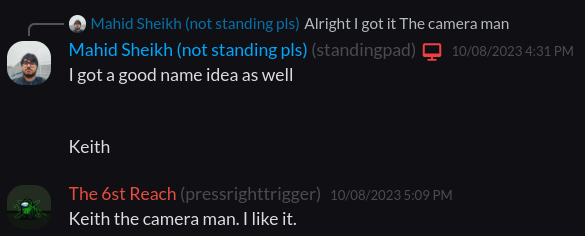
So while technically not an actual characther (yet…), I did imagine this would be taking place at a date with Keith.
Now see, camera nerds tend to have a lot of lights, crazy ones at that, so I’d imagine the pink light wouldn’t be out of place (especially with all of the other ights). Eventually I added some extra lights to get something close to what we have:
And that’s basically the final major change. Now that I think about it, I could have made the background more intersting, but I think it’s best to save those for future pieces.
Happy New Year’s
I think I’ll stop here since this post is getting near 2000 words. I wish y’all a happy new year’s, and cya next year!