
Yes guys, I’m back.
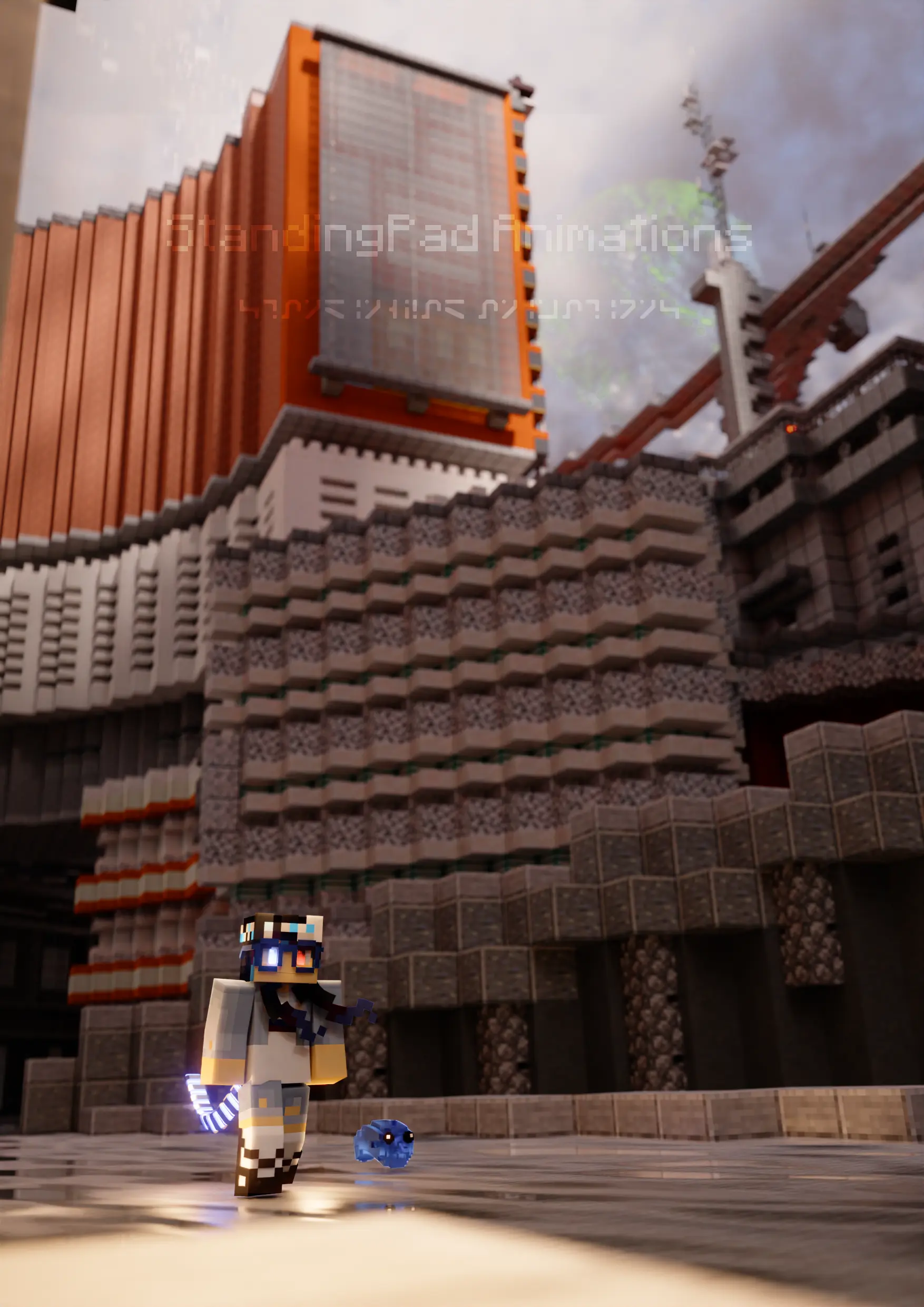
Anyways, I recently had an idea and made this render:
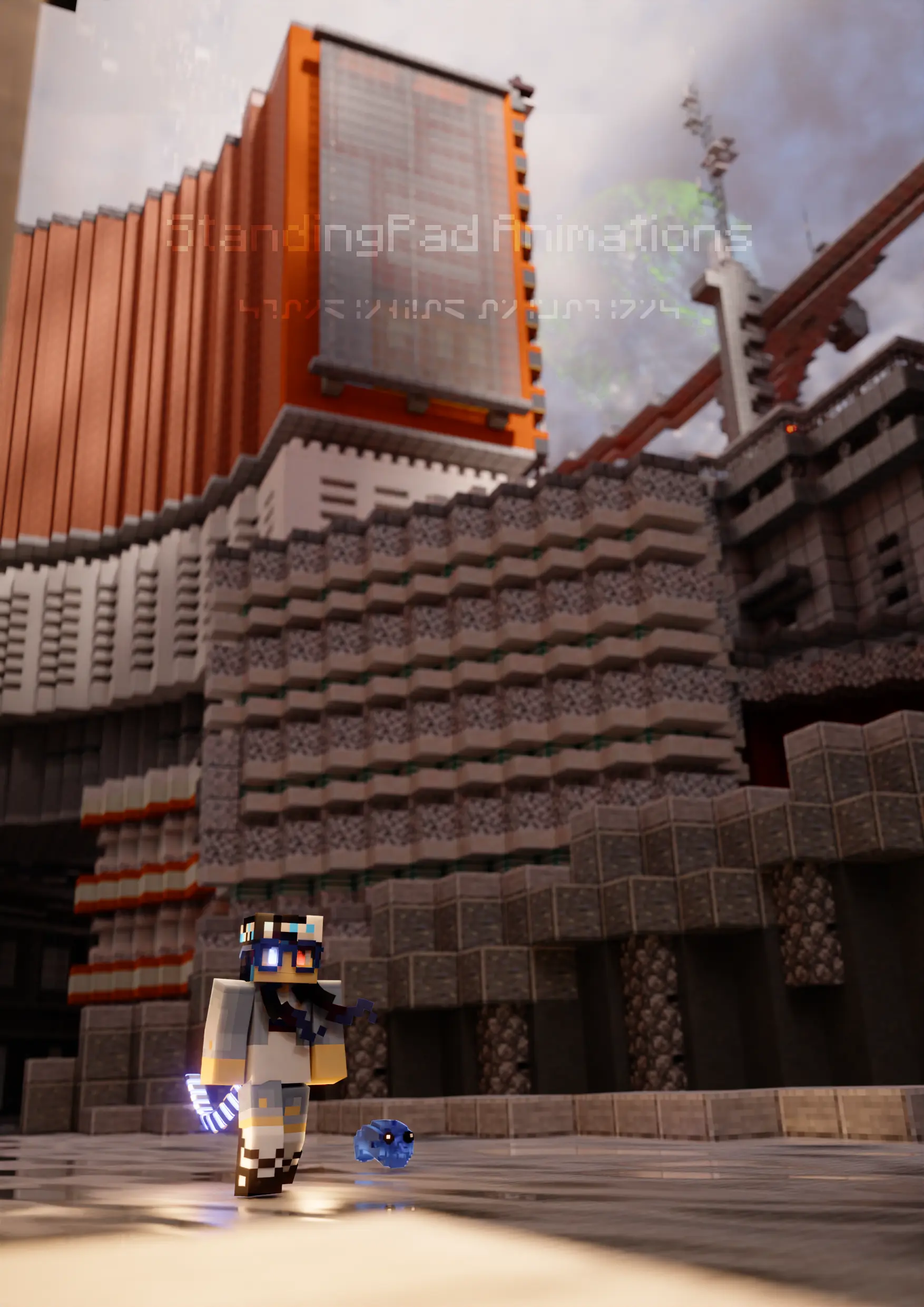
Not my best, but lets talk about how I made it.
Trees of Light
For this, I used Bforartists 3.4, which is based off of Blender 3.5. Immediately I noticed a slowdown in viewport responsiveness. Thinking it was a driver, I went from Nvidia’s Studio drivers to their Game Ready drivers, but no difference.
Sidenote: Nvidia has 2 drivers, Studio and Game Ready. The difference is that Game Ready is less stable but recieves updates quicker, whereas Studio is much more stable. In general I recommend Studio since it has better stability, but if you do mostly gaming with newer PC games, Game Ready is an option.
It turns out in Sampling > Lights, there’s a new feature called Light Tree. It’s a new 3.5 feature and from what I can tell is meant to reduce noise with lights. It’s amazing for rendering, but an absolute nightmare for the viewport. Until Blender makes it an option one can enable for the viewport and render individually, I recommend disabling it until it’s time to render. Hopefully the next BFA update will disable this by default.
L I G H T S
This was honestly my least favorite part of the render, but I know people are going to comment on it.
There’s not many light sources in the scene, other then the sky and some street lamps. There’s also some lights to seperate the character from the backround, but honestly I dislike how they’re noticable in the rest of the environment (Blender, PLEASE add light linking), but what can you do?
They’re pretty simple point lights with an IES texture and a blackbody node.
“IES textures?”
sigh
”._.”
Basically IES textures are textures that represent light falloff. They’re much more accurate then simply using normal Blender lights.
Color Grading: Stubbing Your Toe on the Corner of a Wall
This is one of the things I hate the most about this. The thing is, there’s not much color in the first place, so color grading was going to be difficult.
I used what I learned from my New Year’s render and attempted to do some color grading. The results were better then what the original render, but I still don’t like how it turned out. What can you do though ¯\_(ツ)_/¯?
Some Updates
Wait wait wait, don’t click away, I know this isn’t related, but I have some exiciting updates.
For starters, I’ve been working on some stuff for a project that a group at my school was doing. The TLDR is that they’ve been working on a VR game, and one of them asked if I knew Blender. I showed them this website and got on the team. Here’s some screenshots of what I’ve been working on (no materials because it has to go to Unity):
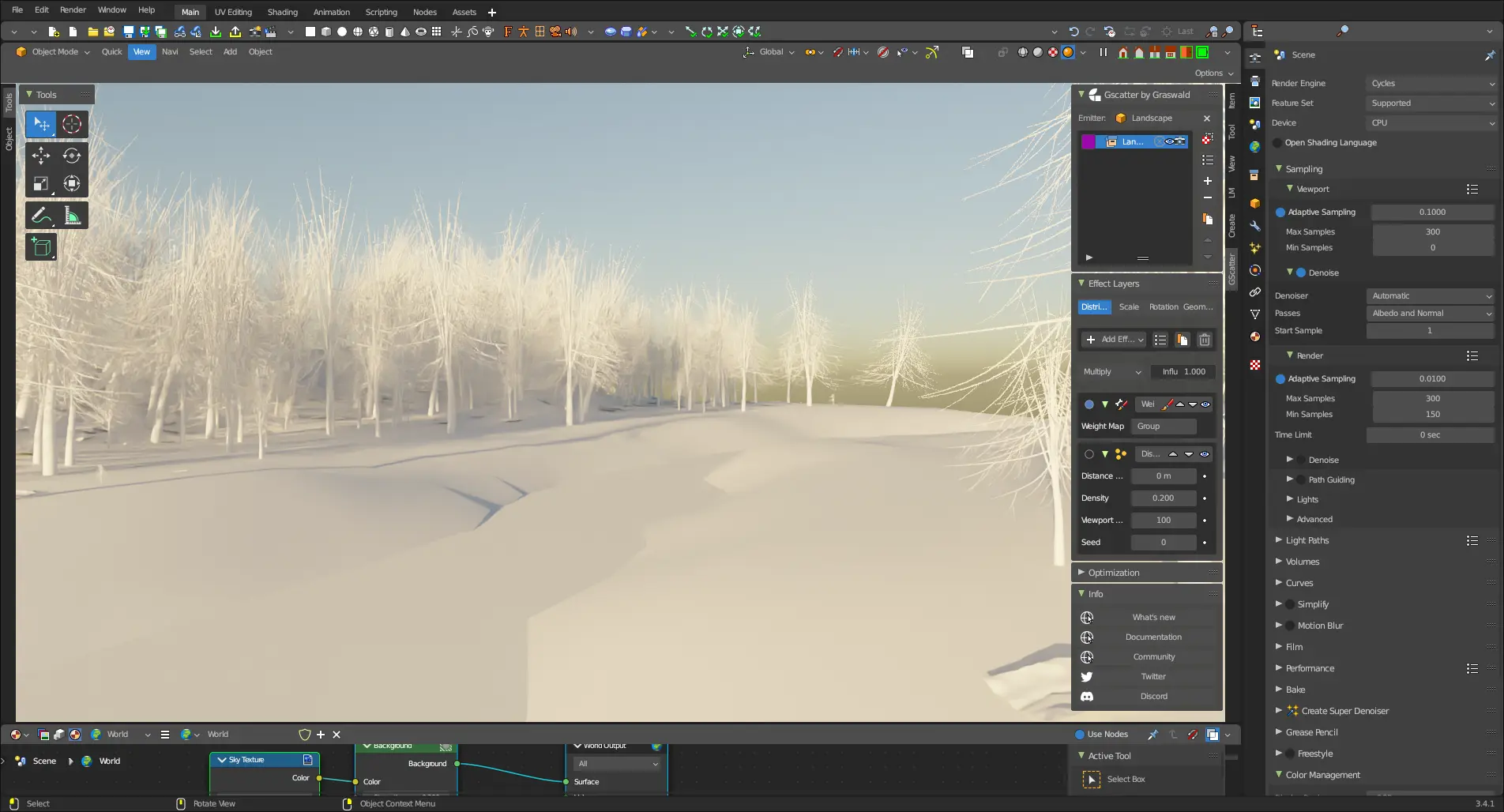
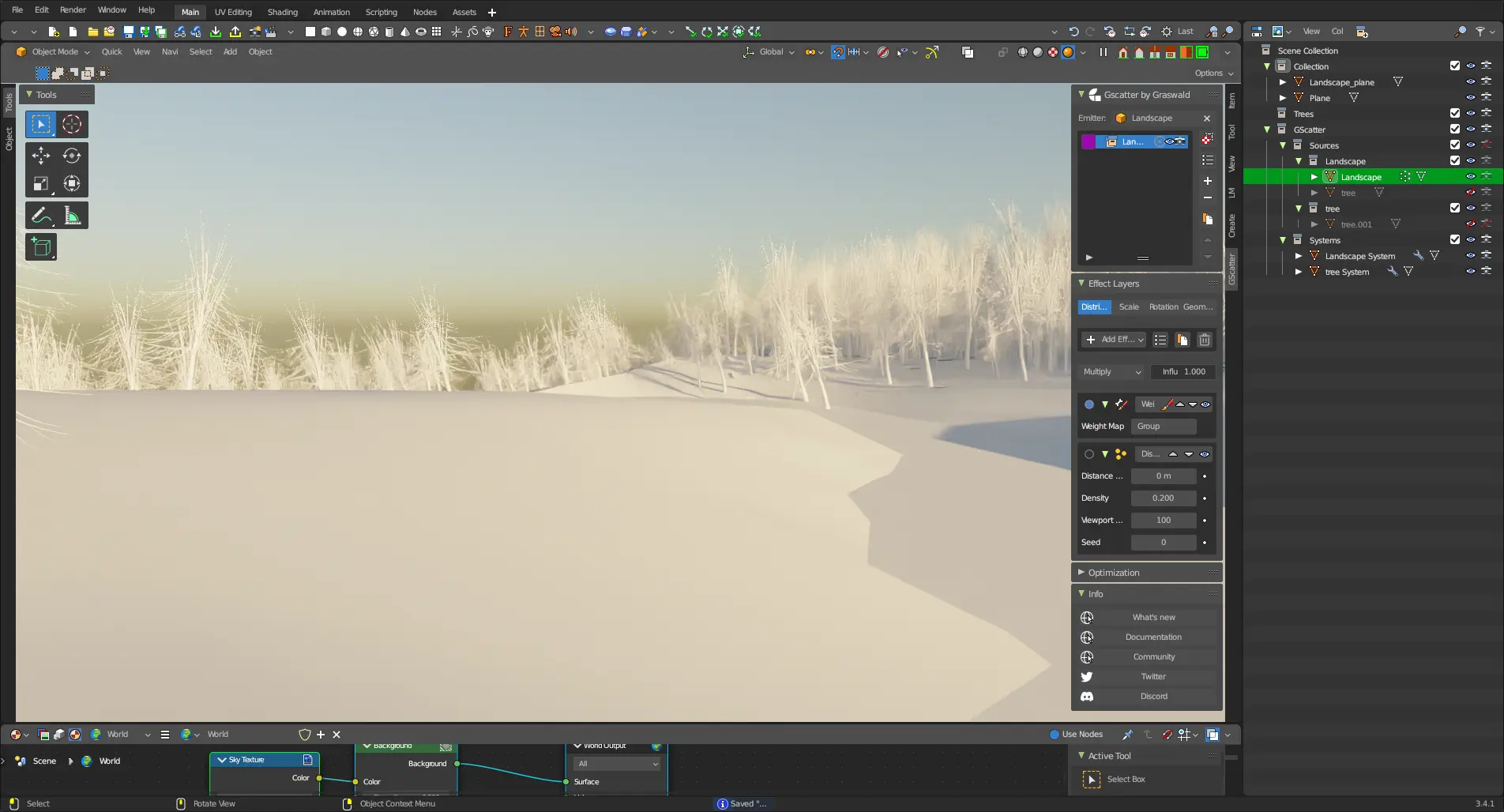
So that’s what I’ve been doing.
I’m also pleased to announce MCprep Kaion, a fork of MCprep that aims to bring experimental features to users (as well as adding new features with the goal of going upstream eventually). You can find it here
Anyway, that’s all I really have to say, cya.