Edit September 29th, 2024: Ko-Fi supporters can download the blend file.
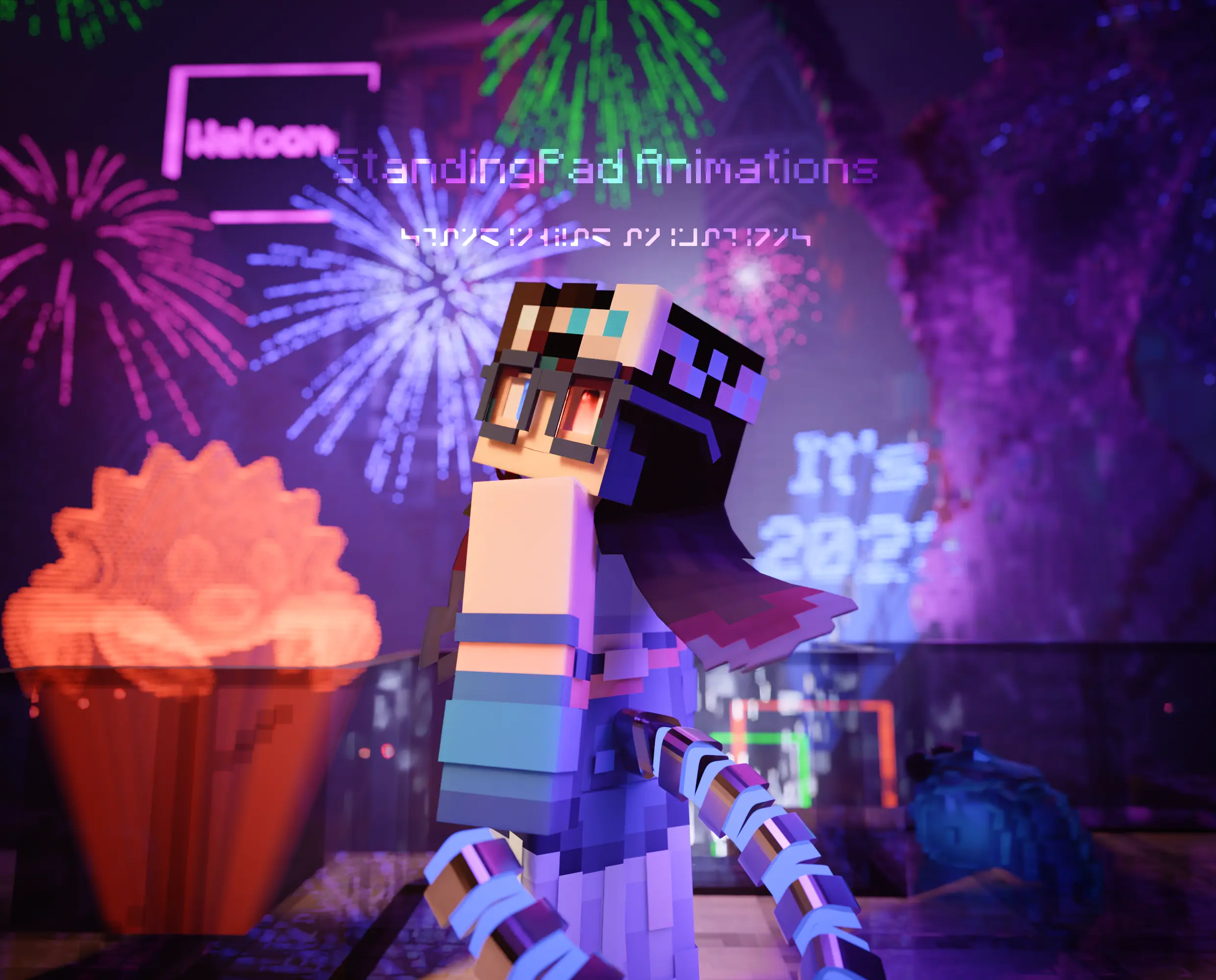
It’s now New Year’s Eve, so I made a new years render:
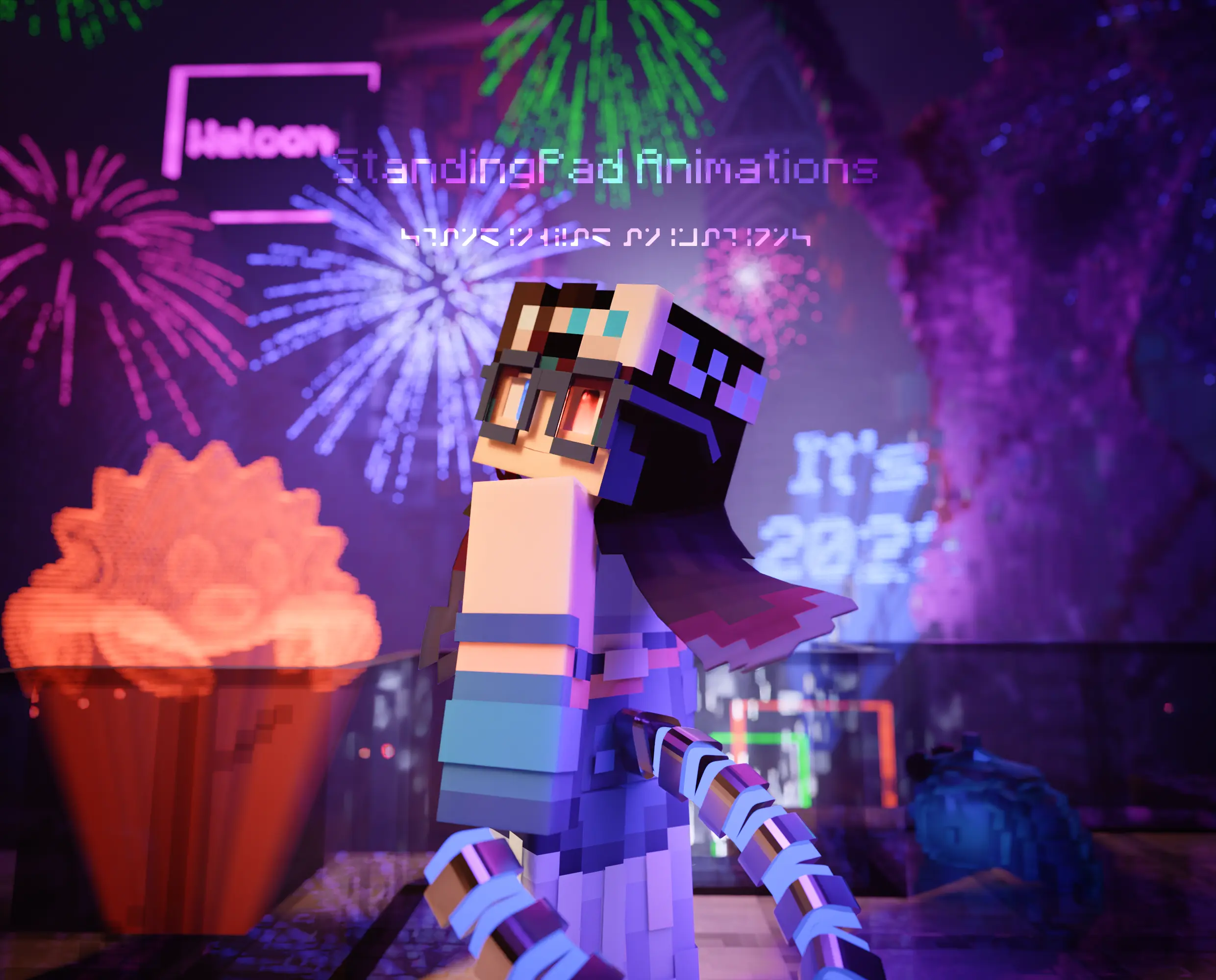
This is perhaps the most complicated render I have done to date. I started just before Christmas and finished in about 3 to 4 days.
Hologram Shenanigans
One of the things I wanted to do was 3D holograms, because I’ve never done that before. I first followed a Blender Guru tutorial, and the final node setup does essentially the following:
- Create a grid
- Duplicate and stack a bunch of those grids
- Get rid of any point on those grids that doesn’t touch the model (in this case Ferris the Rust mascot)
- Add some icospheres to those points
- Create a bunch of curve objects from those points
- Merge them at the bottom vertex (represented by a sphere)
“If it works, all is good, right?”
blank stare
“Right?”
Well it works, but one slight issue,
Cycles does not like dealing with thousands of curve objects
Rendering a 3D hologram (even on its own) using Blender Guru’s method was an absolute pain, and I was prepared to just suck it and deal with it. However, after I mentioned how much of a pain it would be to render on the Erindale server, Slink created a far more optimized version of the hologram.
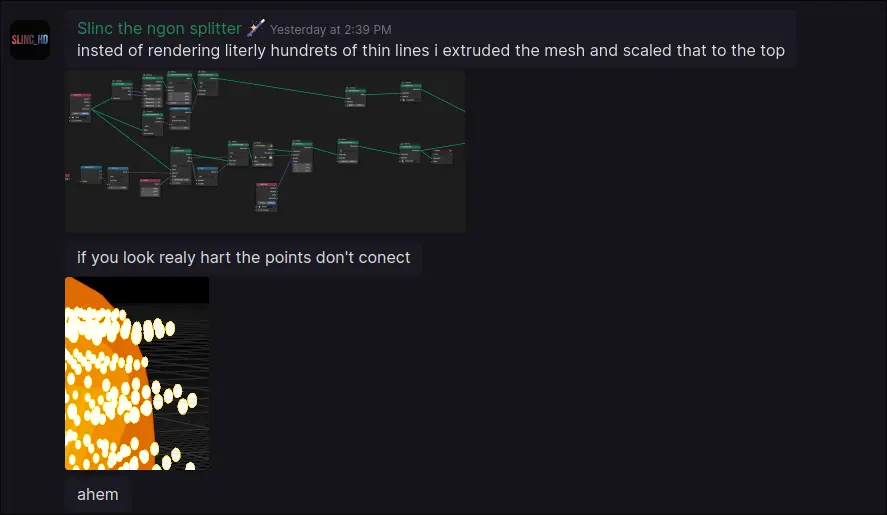
Essentially, instead of making thousands of curve objects, he made a setup that takes the model, extrudes it downwards, and then merges the verticies into a single point. The result is the same, but with far less render time.
And that’s not all. He also changed how the “pixels” were created, by creating a cube and scattering points in the volume of that cube, instead of using a stack of grids. This meant that using text as a model was actually fesible, hence the “It’s 2023” hologram.
Now I tried to see if there was a silver lining with Blender Guru’s method. Maybe it was somehow more simpler to explain and expand upon, or maybe it could handle certain edge cases. As far as I can tell however, it’s simply not that good. Sure if you’re learning geometry nodes or want some practice, it’s fine, but in terms of actually using it (especially in Cycles), it’s pretty horrific to say the least.
Let’s Not Burn People’s Eyes Please
Near the end, I found a short that explained how auto exposure works, and I remembered an addon that allowed for auto exposure.
Cool except one issue: it just wouldn’t work with AgX
“Why not just use Filmic then?”
Well…
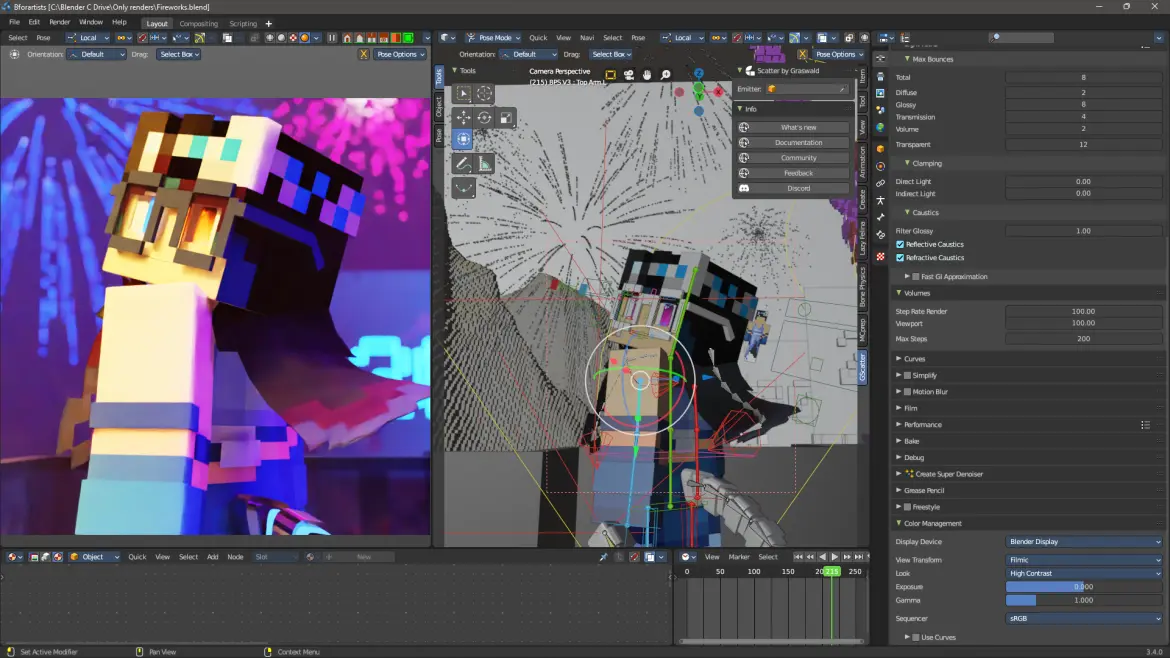
As you can see, Filmic just looks bad compared to AgX, so that would be a no-no.
I looked into the addon code and found that each look was associated to some exposure values (where the develeoper got those values, idk), which added some complexity. In addition, even with my code changes, the addon still refused to work with AgX.
So I scoured the depths of Google and found this auto exposure node, which seemed to work, although with some drawbacks.
Honestly having it as an addon would have been preferable, but sometimes you got to work with what you got.
Focus Issues? Let’s Add Some Effects!
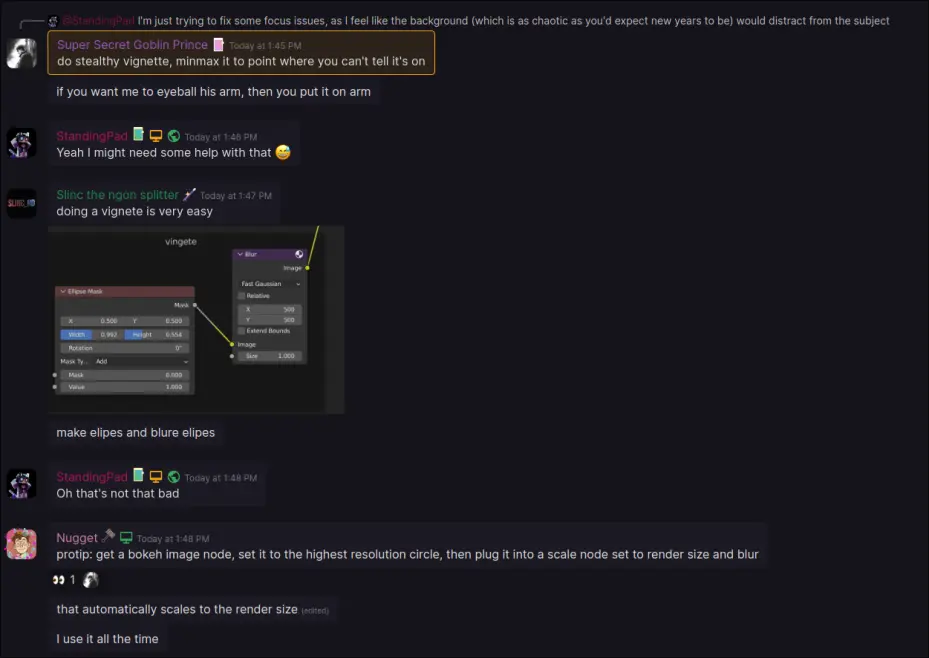
Even while making the scene I felt there were some “focus” issues. In other words, I felt like the scene was too chaotic to direct the viewer’s eye.
The last time I had this much detail was back in the October 2020 MCprep contest, but back then there wasn’t a focus. This time, there was a focus, so I had to figure out a way to maintain that focus.
Oh
So anyway I added a vignette effect. It’s not really noticable, but I think it does a good job at keeping focus.
Optimization
Like previously, I disabled clamping as it creates more issues then it solves, and I removed all mesh lights from the scene. What makes this scene different was the crazy amount of geometry I had to deal with
We already talked about the holograms (before Slink did his magic), but there was also a lot of fireworks (which are all particles), so I simply used a decimate modifier on the bits to reduce as much geometry as possible.
Other then that, not much else is different from my previous scene.
Small Tangent on the Background City
When I originally rendered this, there wasn’t much of a background. However, the day before, I realized that I could duplicate the OBJ and render with that as the background.
Let’s just say that was a nightmare. I had to go from Bforartists back to stock Blender due to a weird issue I had while rerendering. I think the result was worth it though, and honestly those couple of hours of debugging were worth it.
Acknowledgments for this year
I would first like to thank the people who made the scifi map I used to render this and many other renders. ElysiumFire (the people who made the map I used for this and many other renders) are extremely talented when it comes to map making. You may know them for Neon District, the map used to showcase Minecraft with RTX. The fact they also made the map free to download is something I’ll always be grateful for.
I have linked their map before on Twitter, but no one reads that so I feel obligated to link it here. The map can be found here.
I would also like to thank the people on the Erindale.xyz server, they’re extremely friendly and talented (as I’ve shown in a couple of my other posts), and the community is welcoming even to Minecraft rendering. Words can not describe how grateful I am.
And finally, I would like to thank anyone who has supported me over the past year. I couldn’t have done it without you.
Happy new year everyone!